Step 1: Make a folder
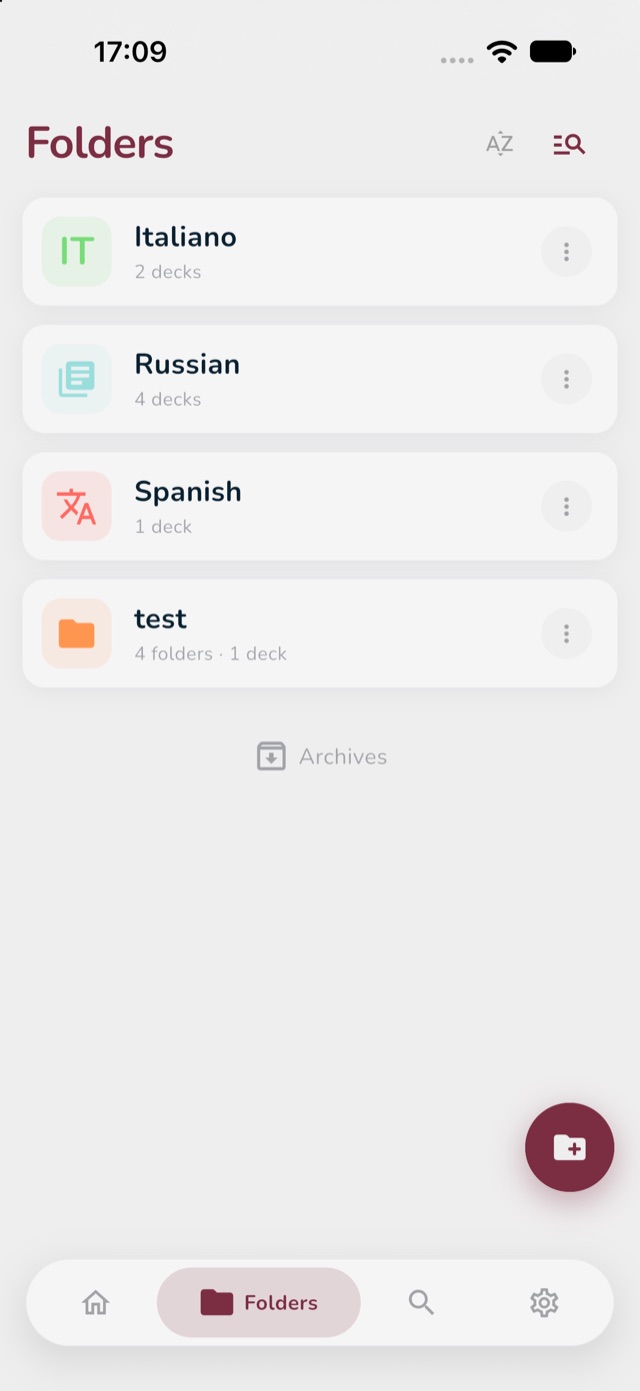
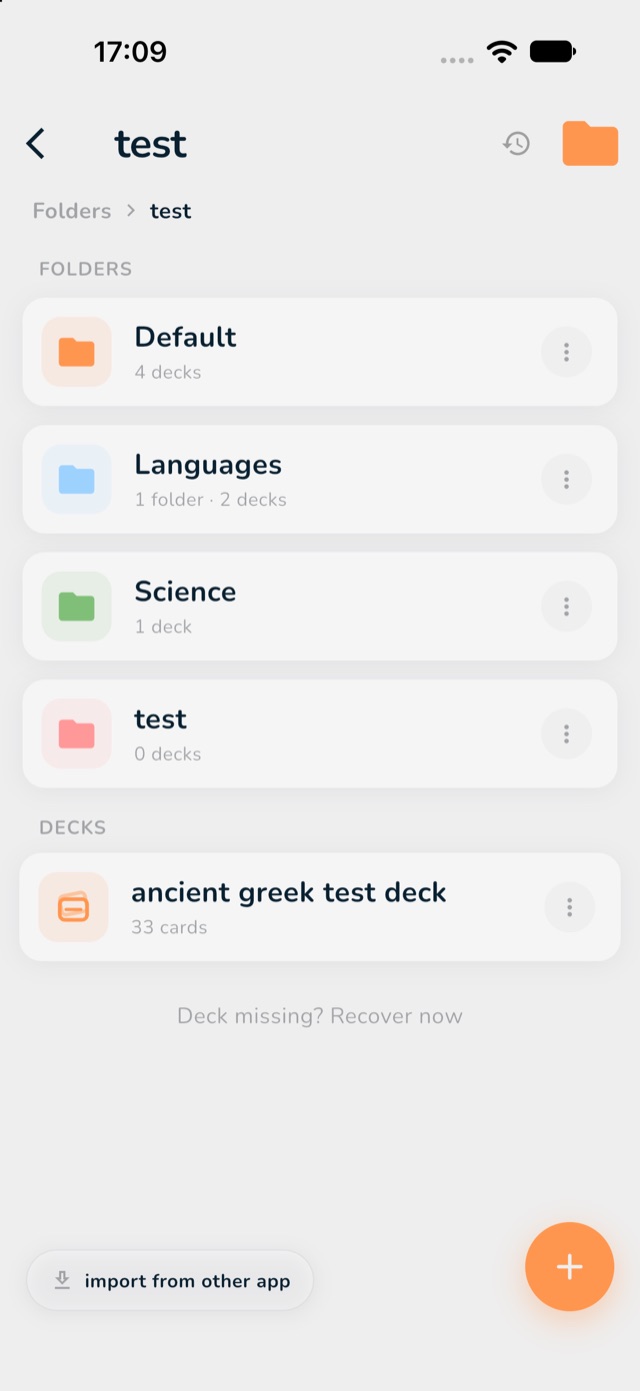
A folder is like a binder. It keeps your decks together, for example one folder for "Spanish" and one for "History". More about this in Folders and decks.
- At the bottom of the screen, tap the Folders icon (it looks like a folder).
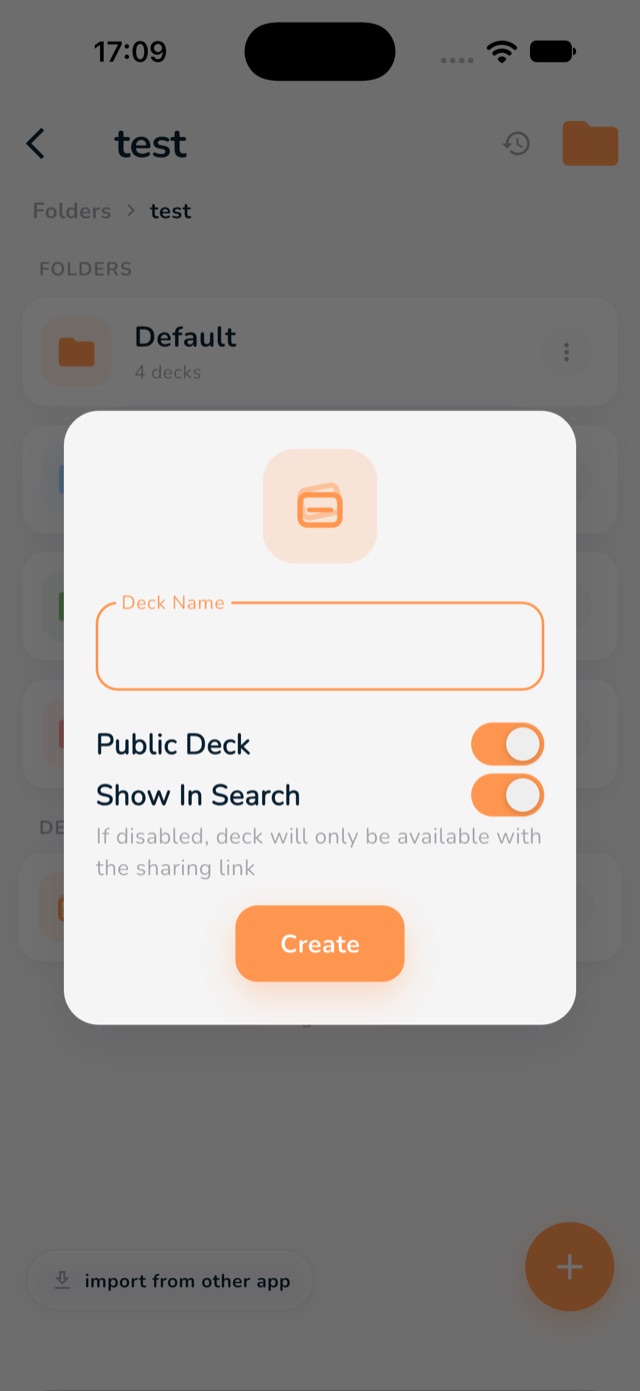
- Tap the round button at the bottom right (a small folder with a plus on it).
- Type a name for your folder and confirm.