Image occlusion
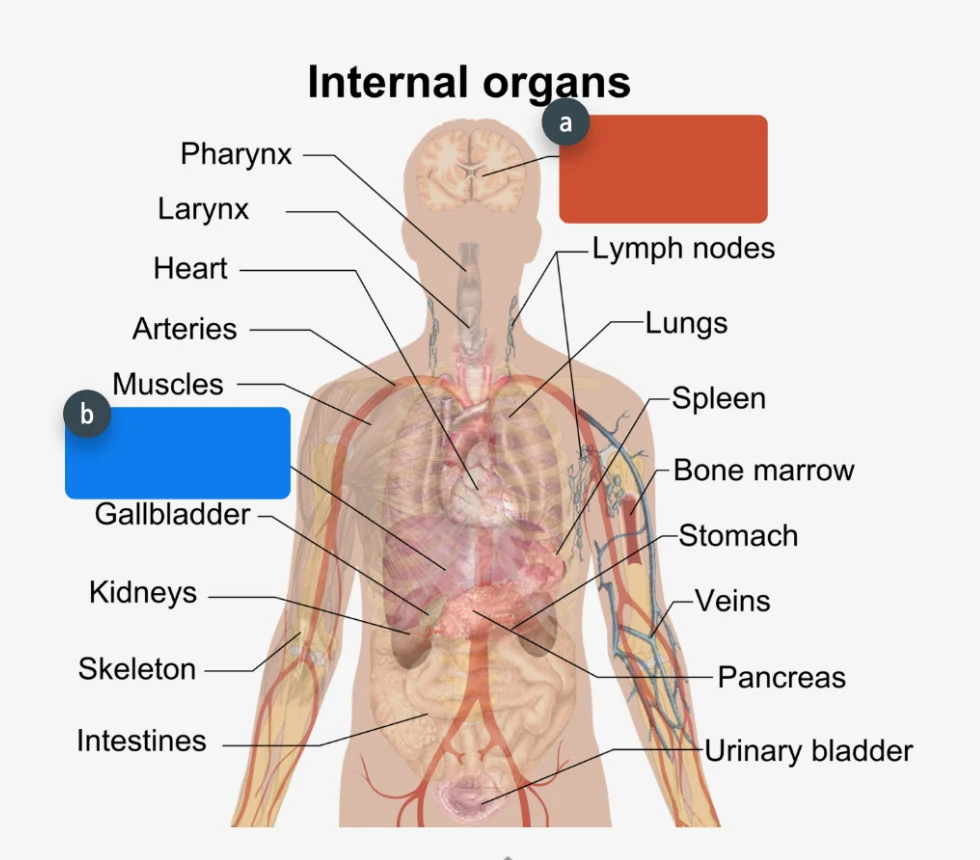
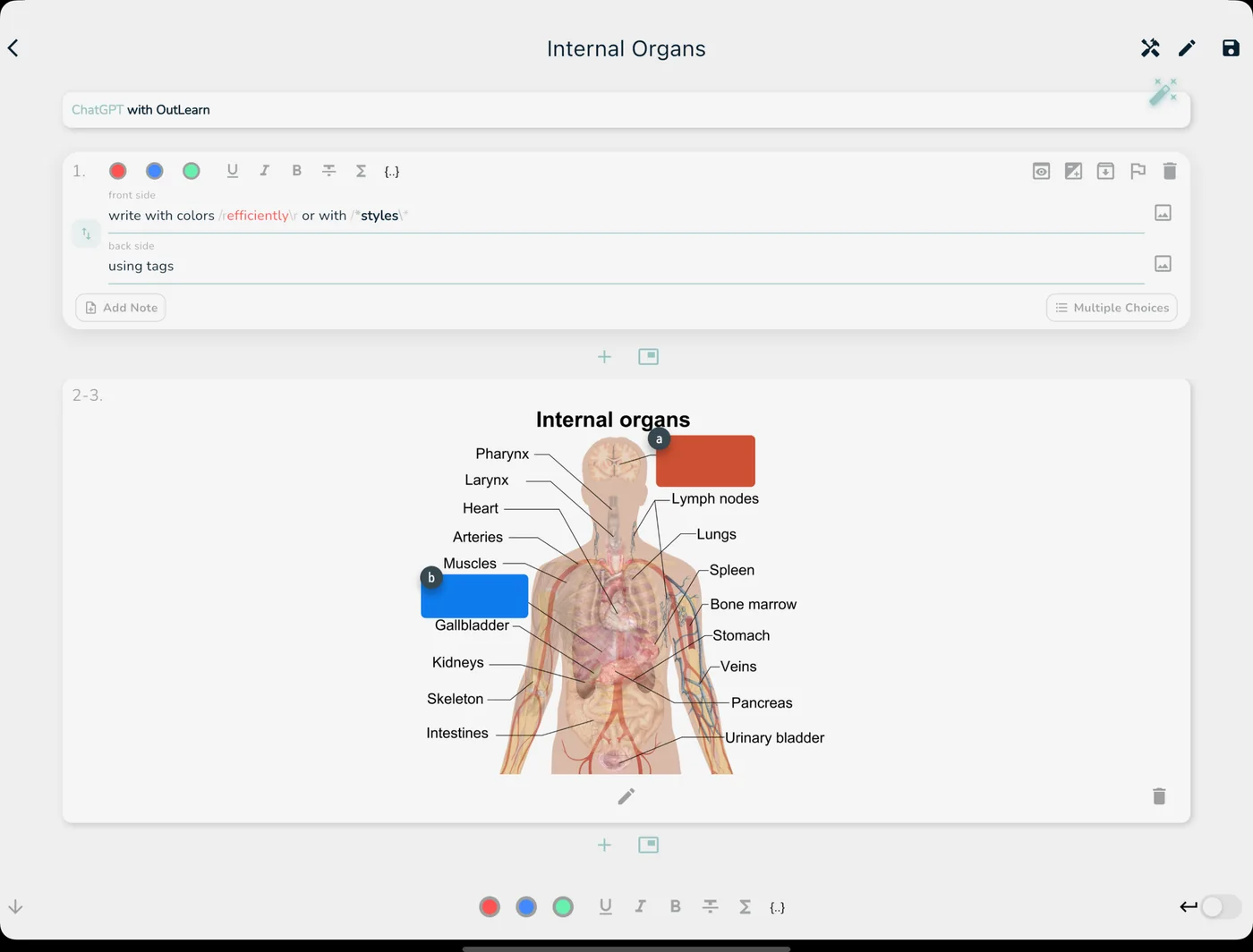
Hide parts of any picture, a diagram, a map or a skeleton, and let your students quiz themselves on it.
OutLearn for teachers
OutLearn is a flashcard app. You create flashcards with images, sound and formulas, share them with your class, and your students practice in class or at home. You see who is really studying.
How it works
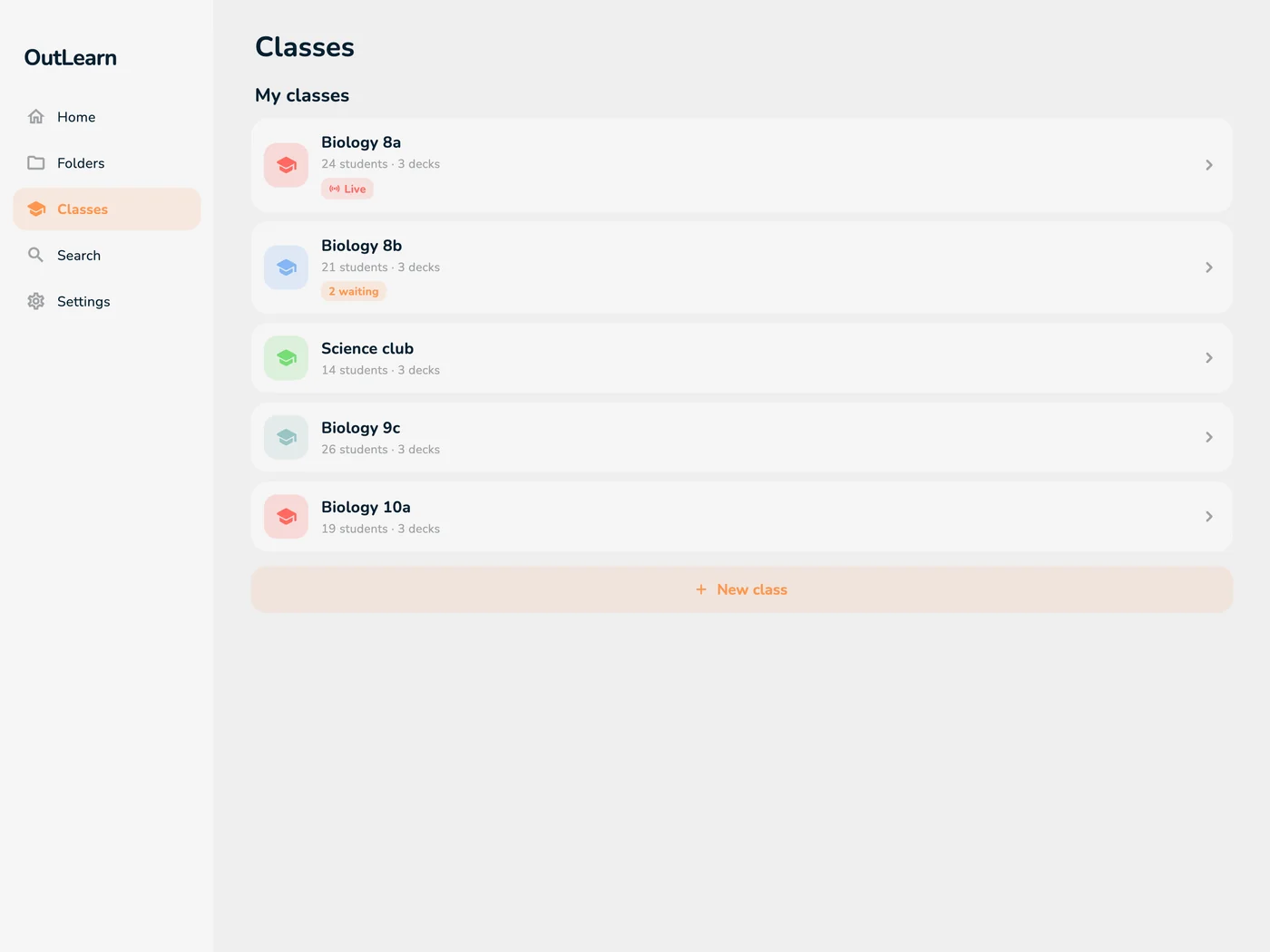
Flashcards first: you make them, your class gets them, and everyone practices, in class or at home.
Build decks quickly: add images and sound, write formulas with LaTeX, use cloze cards and Image Occlusion, or import your existing Anki decks.
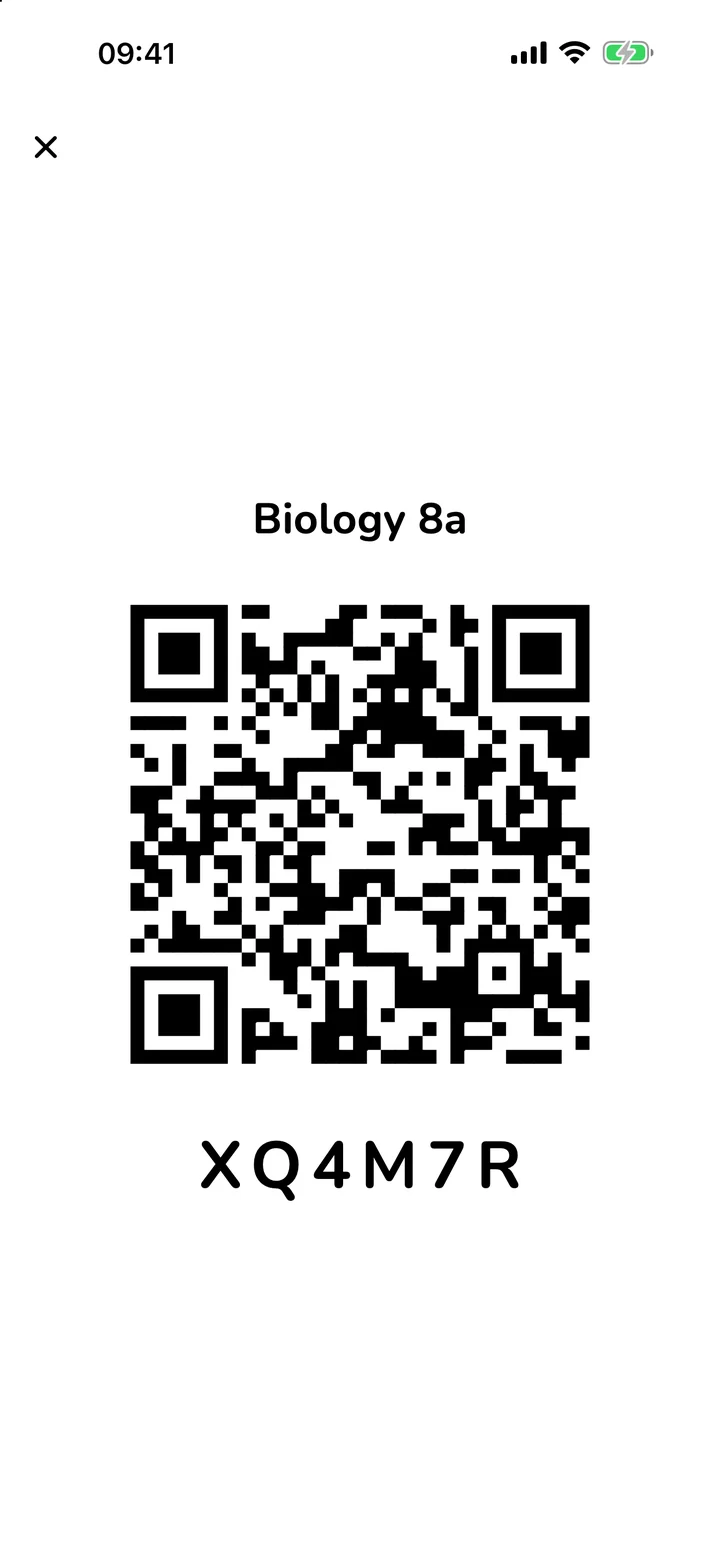
Share a deck by QR code, link or invite code. Students ask to join and you approve them, so only your class gets in. Everyone gets a live copy: your edits reach them seconds after you save.
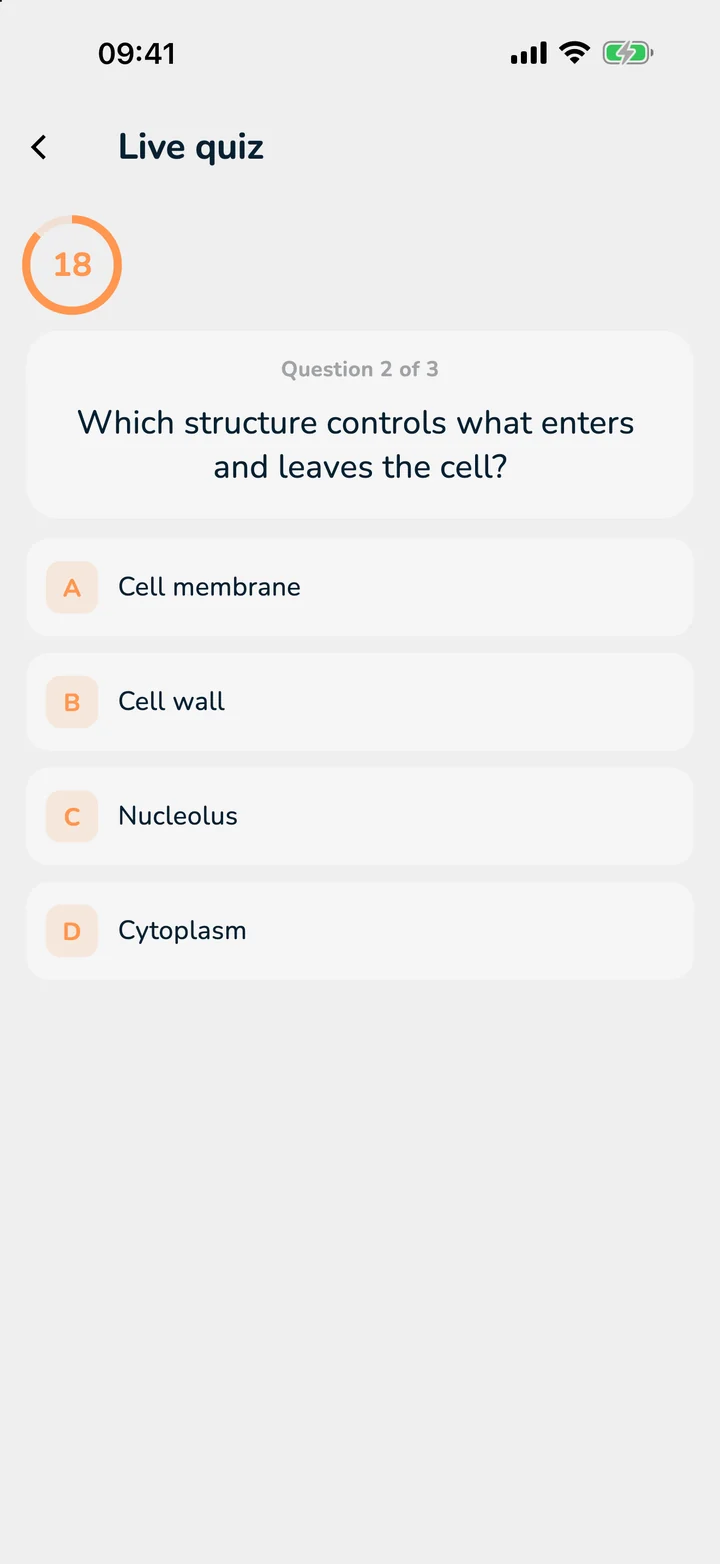
Students practice on their own device in three modes: Binge Learn runs through a whole deck in one go (ideal before a test), Long Term brings each card back just before it would be forgotten, and Exam Mode tests with a score. In class you can learn live together or run a quiz.
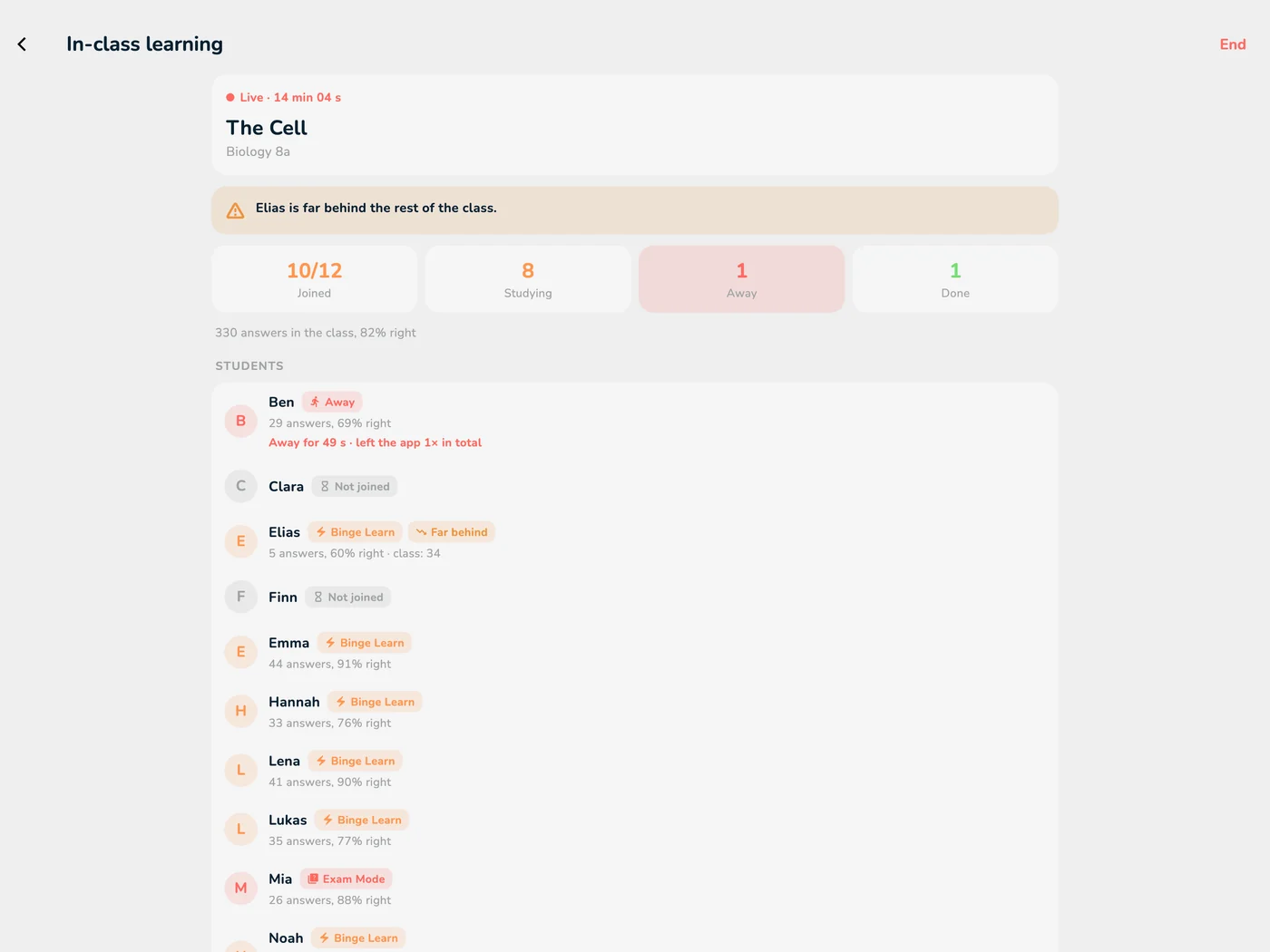
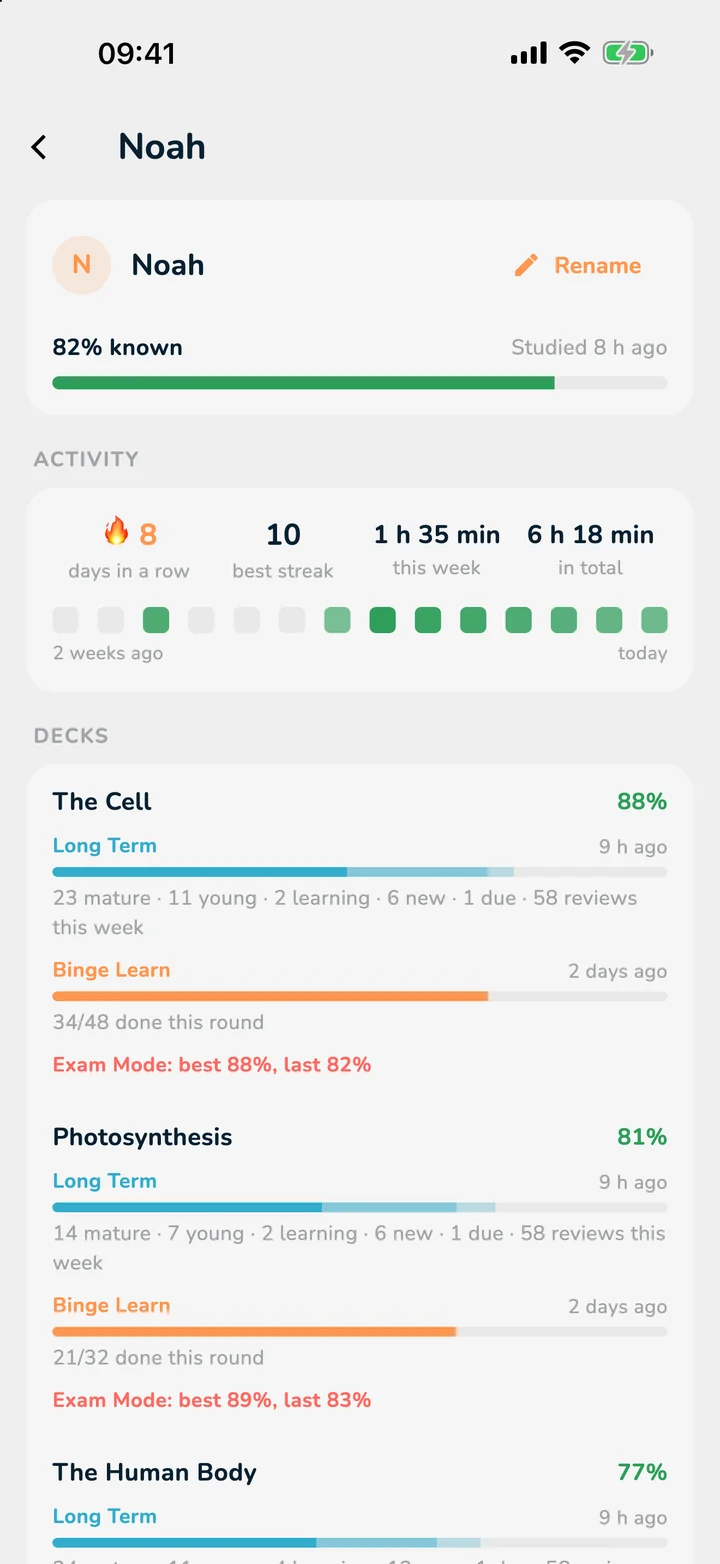
For every student and every deck: known and due cards, reviews this week, exam scores, streak and study time, plus a two-week activity strip. Sort the class by progress, streak or time this week.
Card types
Hide parts of a diagram, write real formulas, add cloze cards and multiple choice: whatever your subject needs.
Hide parts of any picture, a diagram, a map or a skeleton, and let your students quiz themselves on it.
Type LaTeX code and OutLearn renders the formula, on every device.
Hide a word in a sentence and students fill in the gap. Perfect for definitions, dates and vocabulary.
The capital of France is .
Tap the gap to reveal itAdd answer options to a card for quick checks and tests.
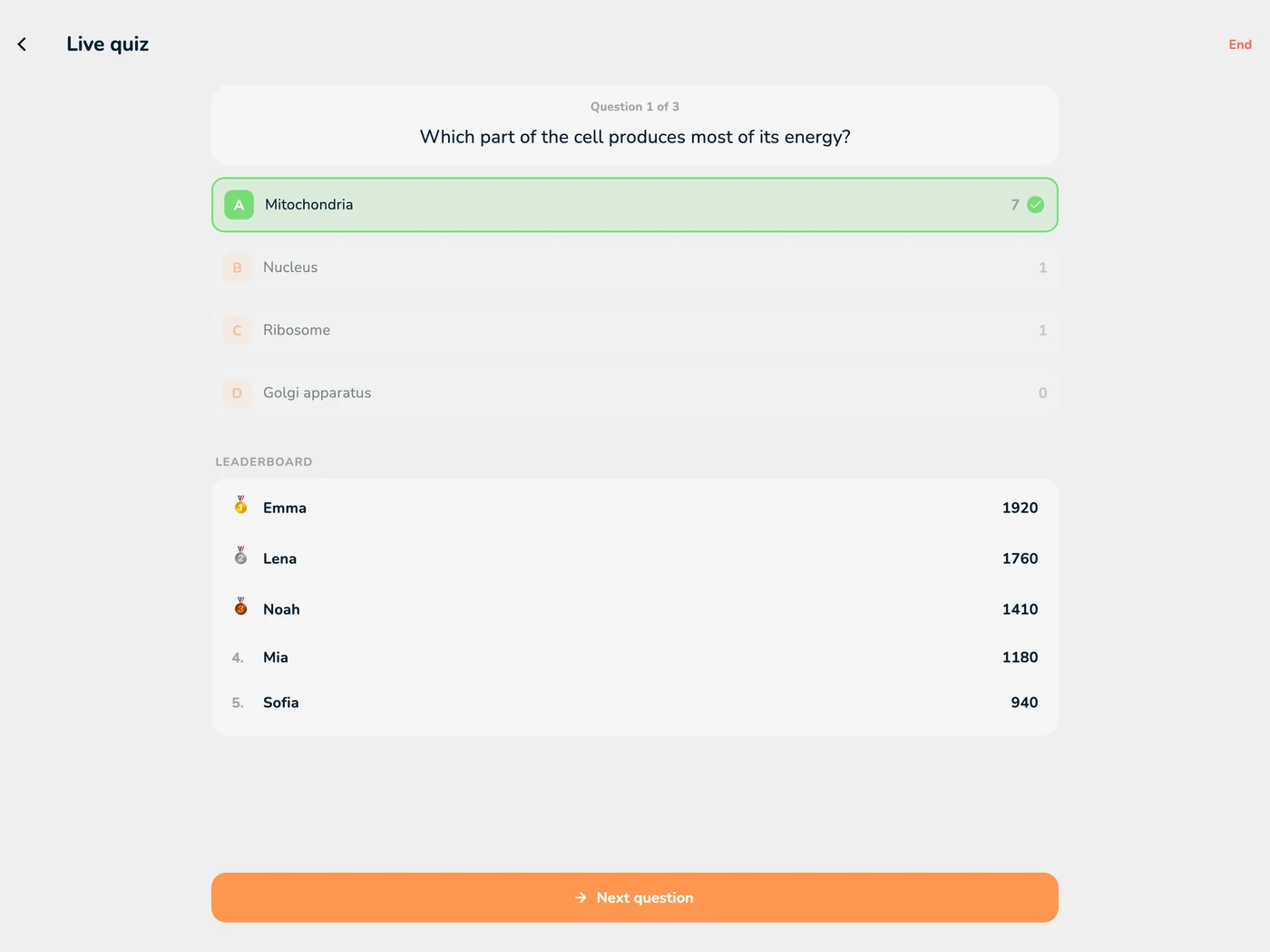
Which part of the cell produces most of its energy?
In class
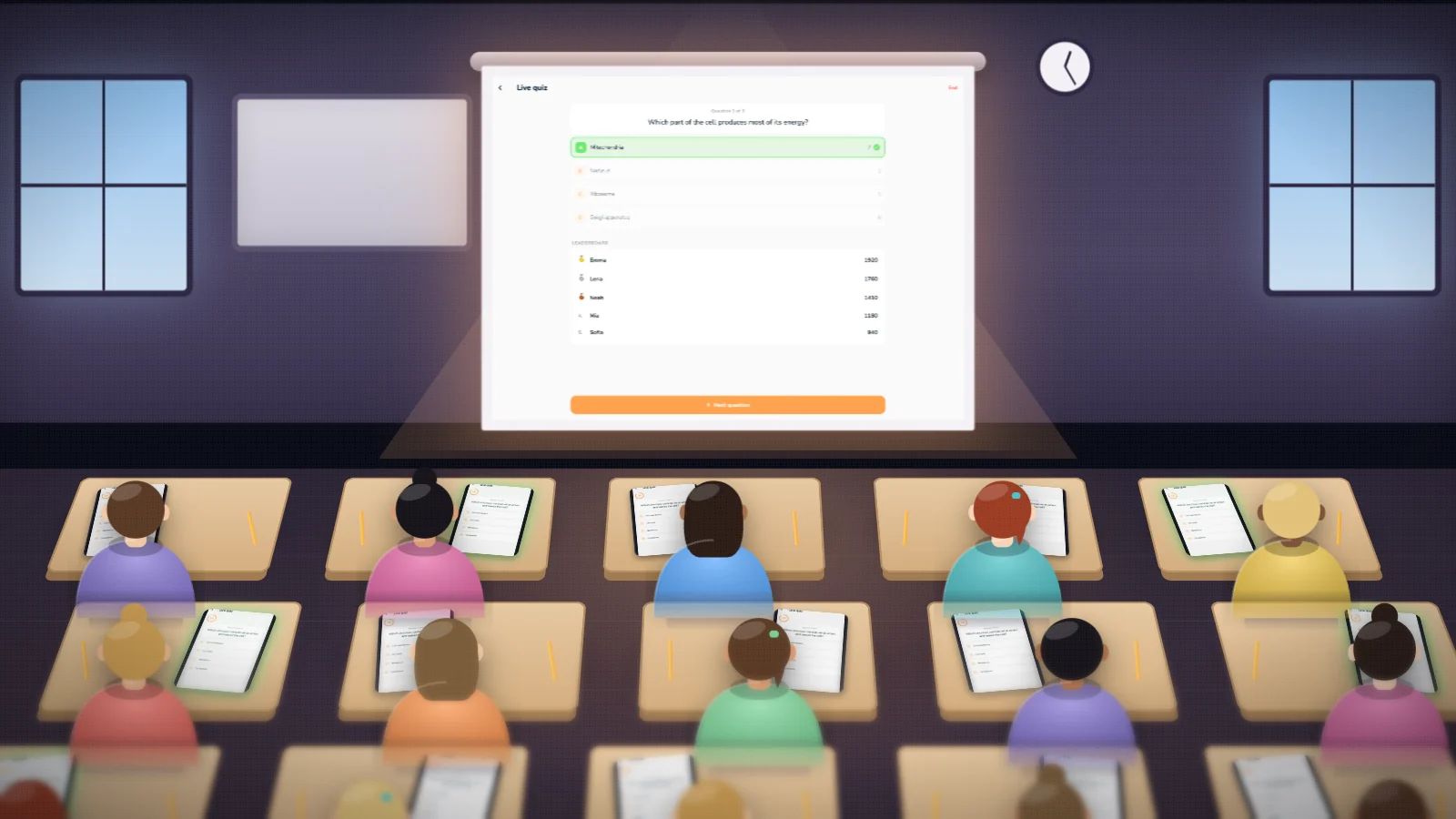
Everyone studies on their own iPad while you watch live, then a quiz starts on the beamer.
Student accounts
Make accounts for your students in one step: type one nickname per line and print a sheet with a QR code for each student. Scanning the code signs them in, with no email and no password. Class accounts exist only for your class and last while your teacher license is active. A student can turn theirs into a personal account to keep it.
Privacy
OutLearn only handles what a class needs. In practice that means:
Students who don't want an account get a class account from you: a nickname and a QR code, no email address and no password. Nothing personal is needed.
Let students take part with a nickname. If you need real names, rename students privately: only you see that name.
You see progress on your class's decks and nothing about what else a student studies.
A note in the class folder tells students exactly what the teacher can see.
When the license ends, class accounts are locked and deleted after 30 days. Students can make theirs a personal account to keep. Accounts and progress can be deleted at any time.
There is no advertising for your students.
Your school's data protection officer is welcome to review our privacy policy. We are happy to answer their questions. Read the privacy policy →
Made for classes
The app your students may already use, with a teacher side on top.
Share a deck now or from a date you choose. Students get a live copy: your edits reach them seconds after you save, and their own progress stays theirs.
Binge Learn: run through a whole deck quickly, ideal before a test. Long Term: spaced repetition (FSRS) that brings cards back just before they are forgotten. Exam Mode: a scored test to see where everyone stands.
Rename students privately, so a nickname on an account becomes the name you know. Only you see it.
LaTeX, cloze cards, Image Occlusion, images and sound, and import from Anki. With your teacher license you get every Pro feature.
iPad, iPhone, Mac, Android and the web, so every student can use the device they already have. Studying works offline, so a class can use it on a trip or with weak school Wi-Fi.
A note in the class folder tells students what you can see, so there are no surprises and no hidden tracking.
Getting started
Write to us with your name and school. We activate teacher access on your OutLearn account.
Switch Home to Teacher, name your class and add the decks you want to share.
Show the QR code, share the link or the invite code, and approve who asks to join.
Students practice in class or at home. Start live learning or a quiz in class, and check progress whenever you like.
Questions
Nothing during the pilot. You get every Pro feature and can run classes while the license is active, usually until the end of the school year.
The free OutLearn app on iPhone, iPad or Android, or the web version. They join with your QR code, link or invite code, and you approve them.
For the decks of your class only: known and due cards, reviews this week, exam scores, streak and study time. Students are told in the app what you can see.
Studying does. The live quiz and the live overview need a connection for everyone taking part.
Yes. Import Anki decks (.apkg), or create your cards in the app, then share them with your class.
iPad, iPhone, Mac, Android and the web: whatever device your school or the students already have.
Write to us with your name, school and subject. We activate your free teacher license, and you can start your first class today.
Email us for your licenseFree during the pilot. Students use the free app.
Your students use the free app: