Write
Cards that look the way you think
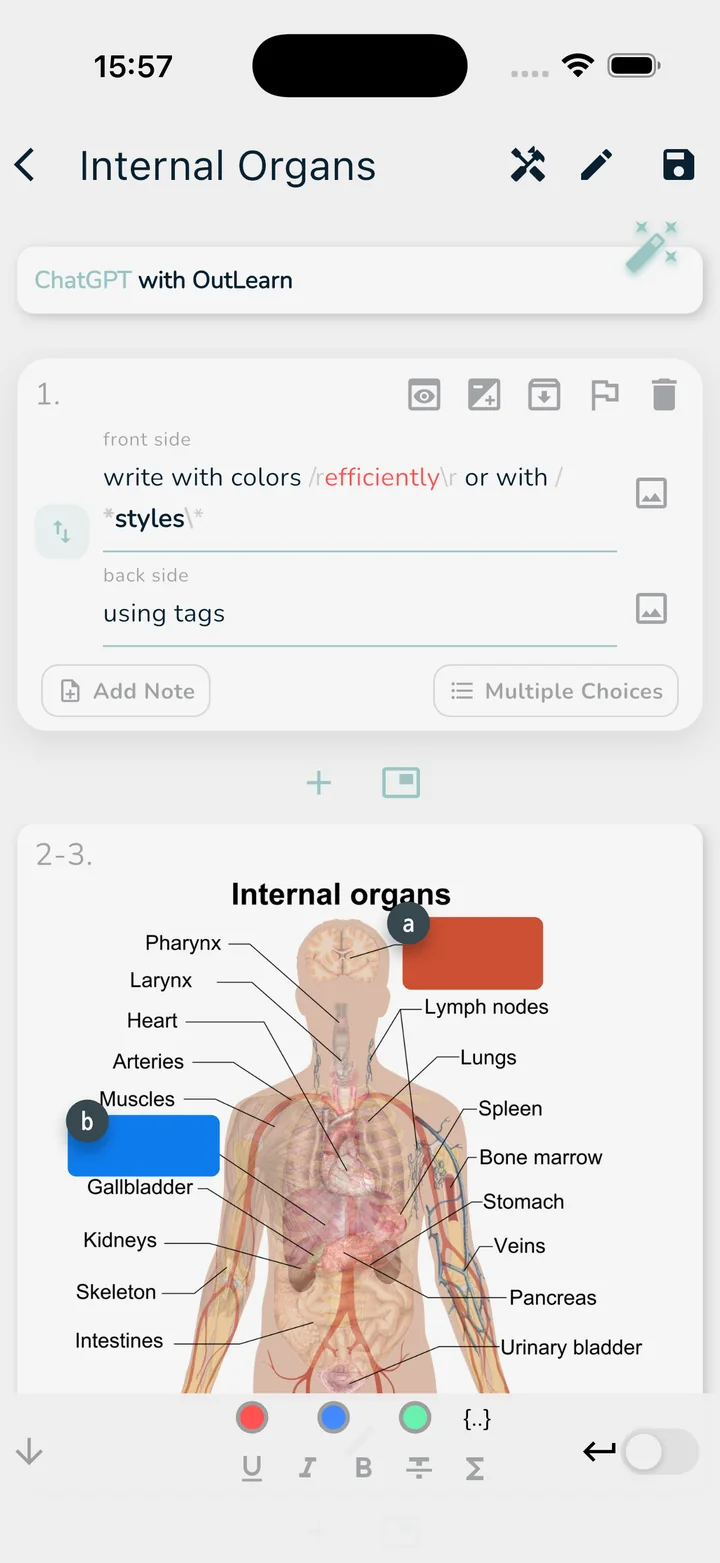
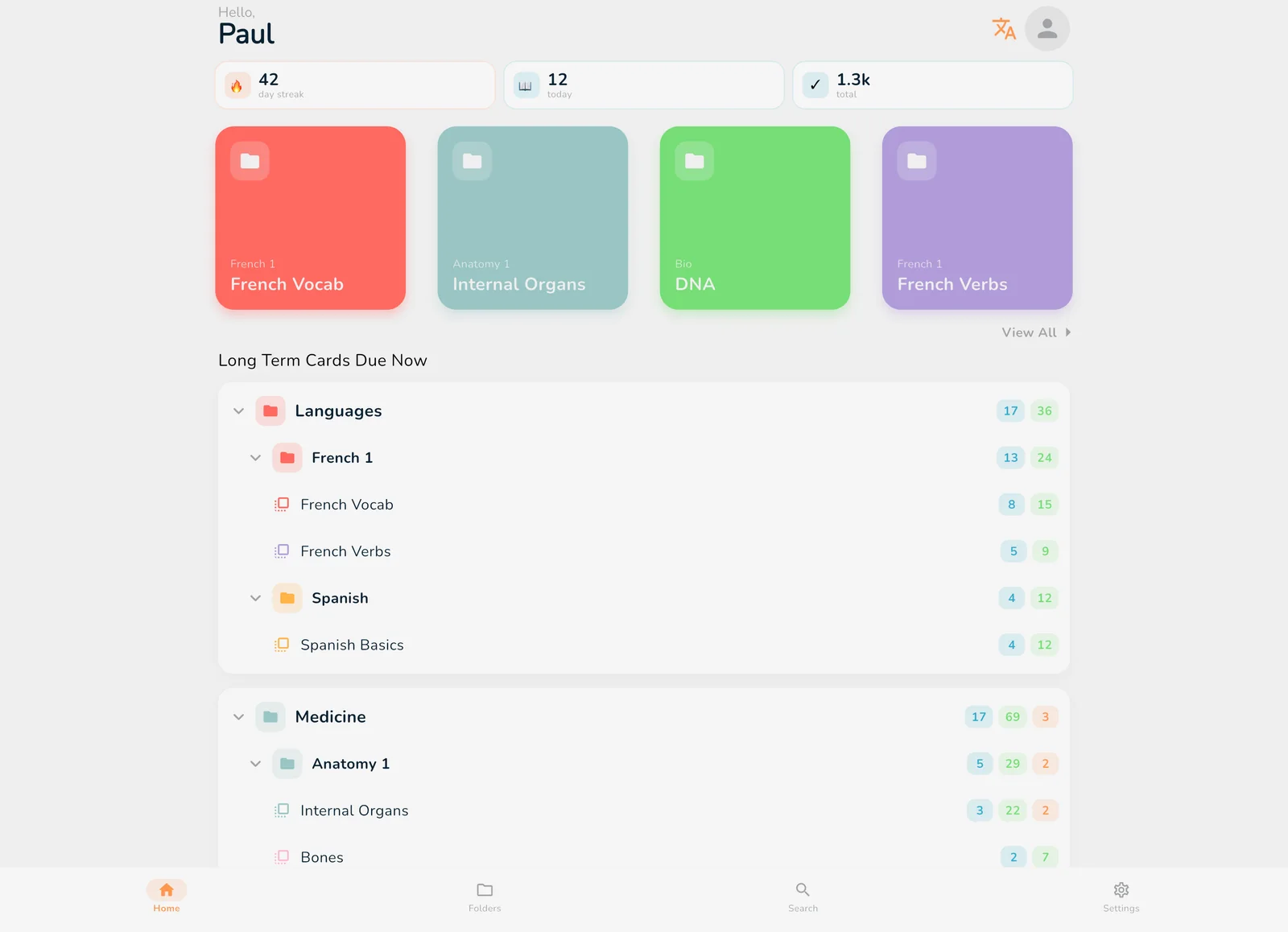
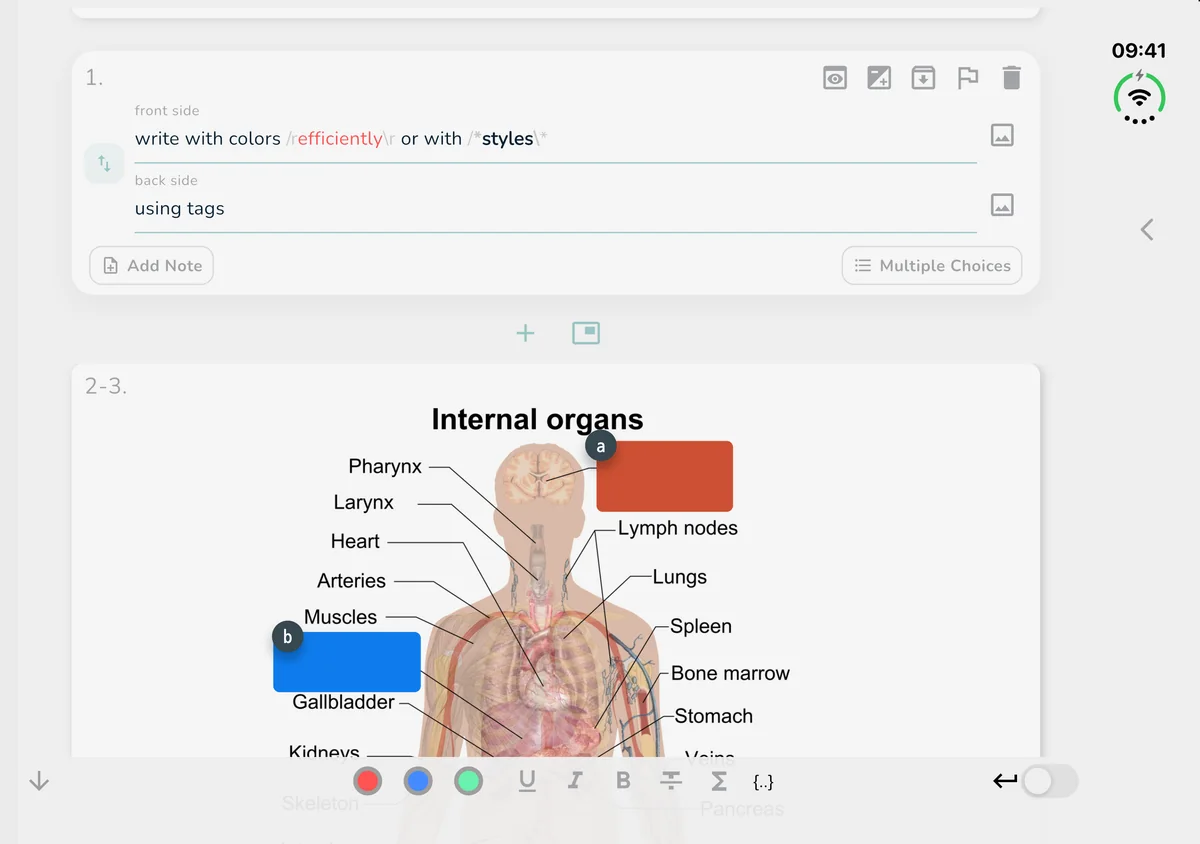
Colors, bold and italics, images, cloze cards, multiple choice and notes. Special characters and LaTeX are one tap away.
For students, by students
The all-in-one flashcard app for every subject and language. Spaced repetition, image occlusion, LaTeX and 3 learning modes, on iPhone, iPad, Mac, Android and the web.
Really cool platform with awesome customer support. Writing my math in LaTex makes it much easier to learn! Definitely worth a try :)
This app has been a lifesaver ever since Quizlet discontinued the printing flashcards options.
My whole classmate is using this because i recommended it, and they realy love it! I've tried many application but this is the most user friendly. This app helped us to aim high score during quiz and test
Splendid! The best digital-to-physical flaschards software! This app does everything you want it to. It is also crazy fast and works really well on mobile.
Great Quizlet Alternative! Quizlet’s Learn feature used to be my go-to until they discontinued their shuffle option. I started searching for an alternative flash card app with shuffle functionality and found OutLearn on Reddit.
Great so far, got it as a replacement for quizlet, which is going downhill. Love having the ‘binge’ vs ‘long term’ learn modes. Great stuff!
Used this because of its glossary printable deck! Thank you so much.
App does exactly what it says on the tin. No ads. Dark mode. There is a shuffle function, which is an integral part of a flashcard app that no others (Quizlet!) seem to have.
Create
Write them, import them, generate them or translate them. Every card is yours to customize.
Write
Colors, bold and italics, images, cloze cards, multiple choice and notes. Special characters and LaTeX are one tap away.
Import
Open an Anki .apkg or a .txt file and your cards are ready to study. Nothing to type again.
Generate
Paste OutLearn’s prompt and your notes into any free AI chat, then paste the answer back. As many cards as you want, no subscription.
Translate
Type the front side and OutLearn suggests the translation for the back. The built-in translator adds words straight to a deck.
Hard subjects
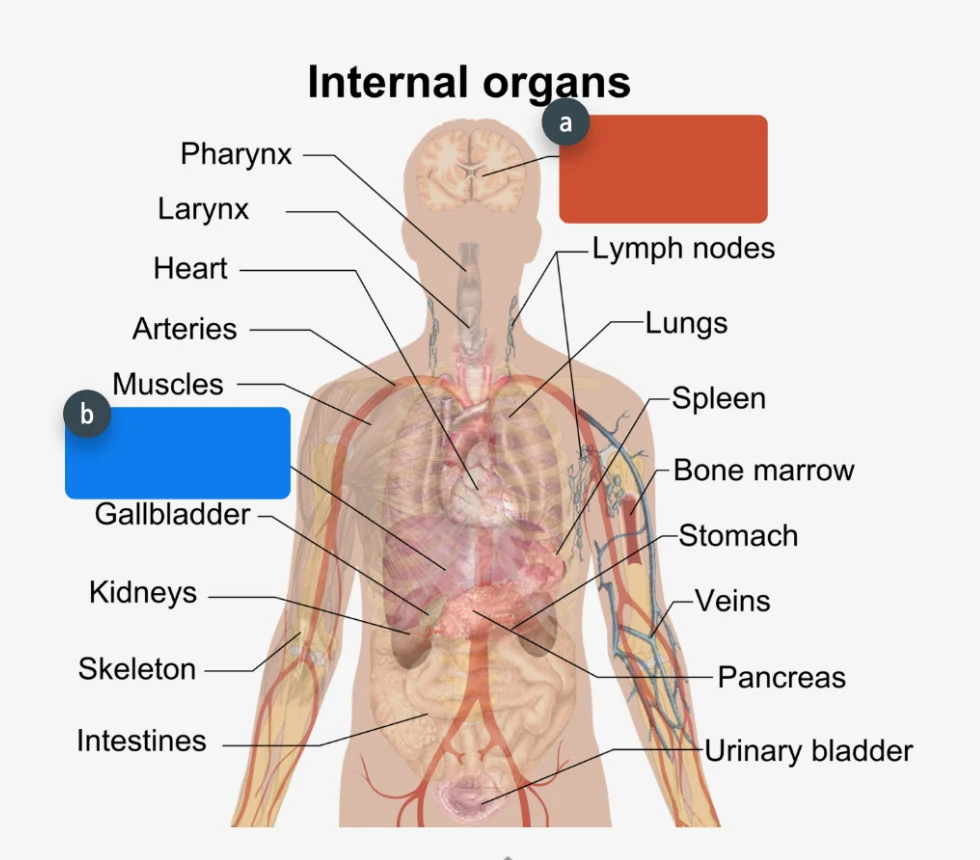
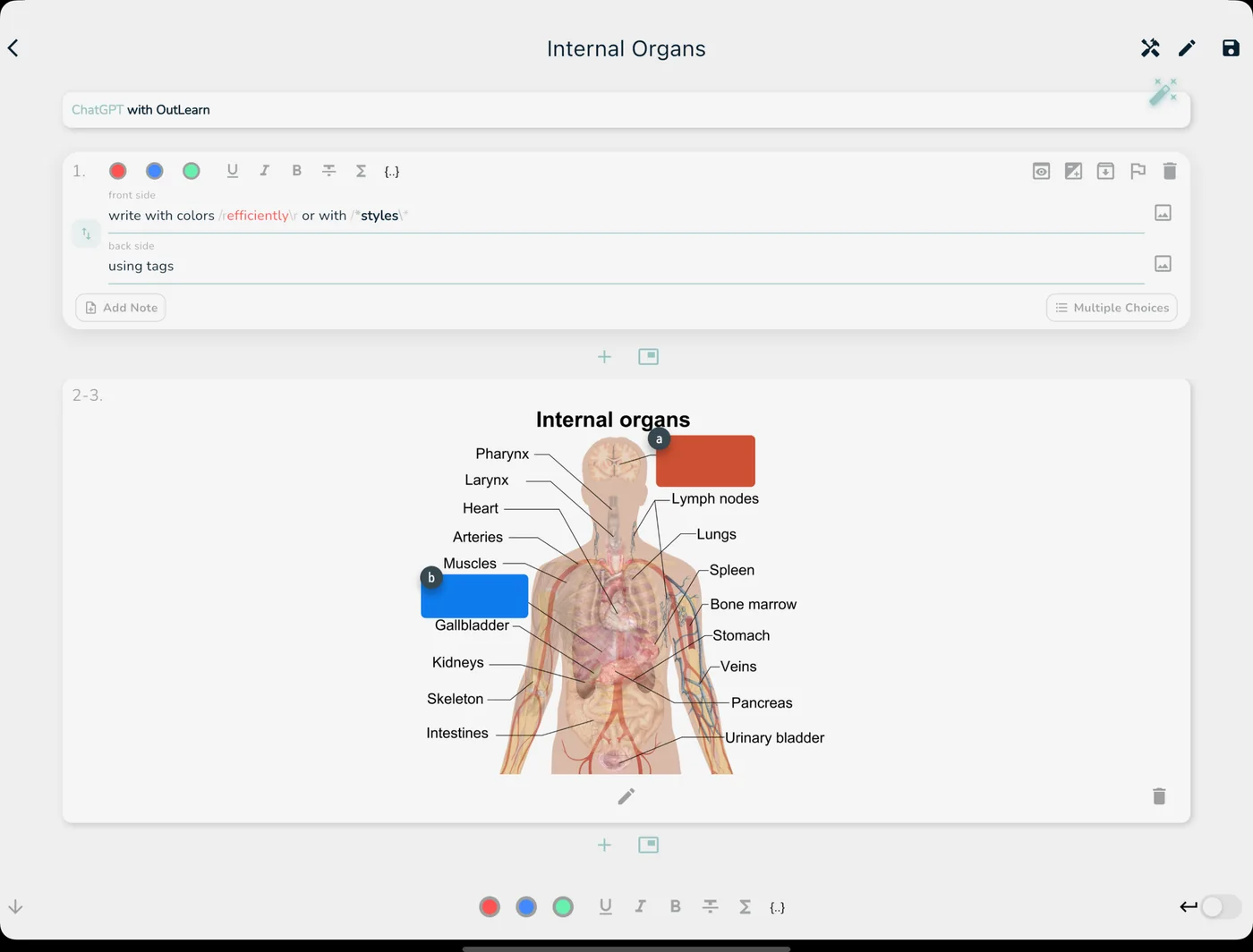
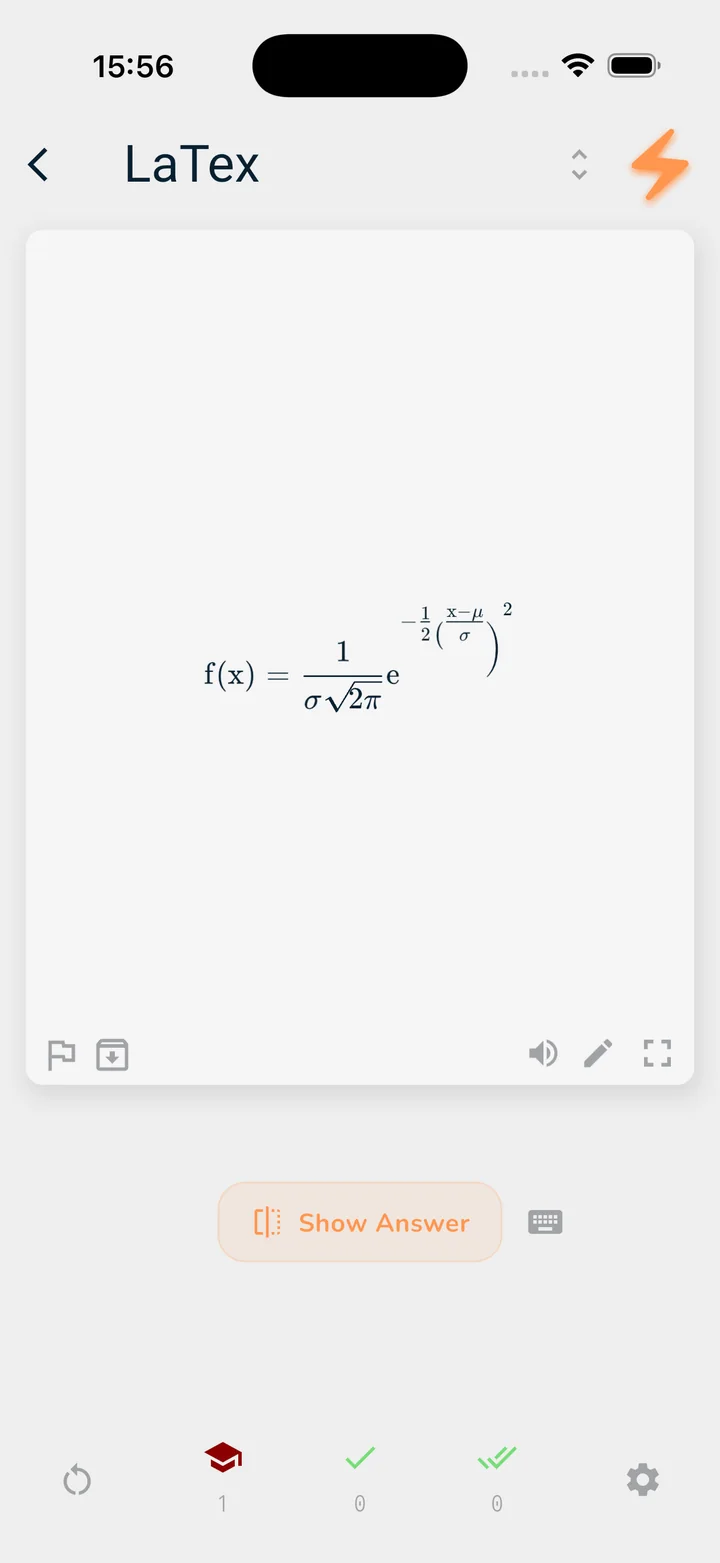
Learn diagrams with image occlusion and write real equations with LaTeX.
Hide parts of any picture and quiz yourself on them. Developed with a medical student.
Type LaTeX code and OutLearn renders the formula, on every device.
Organize
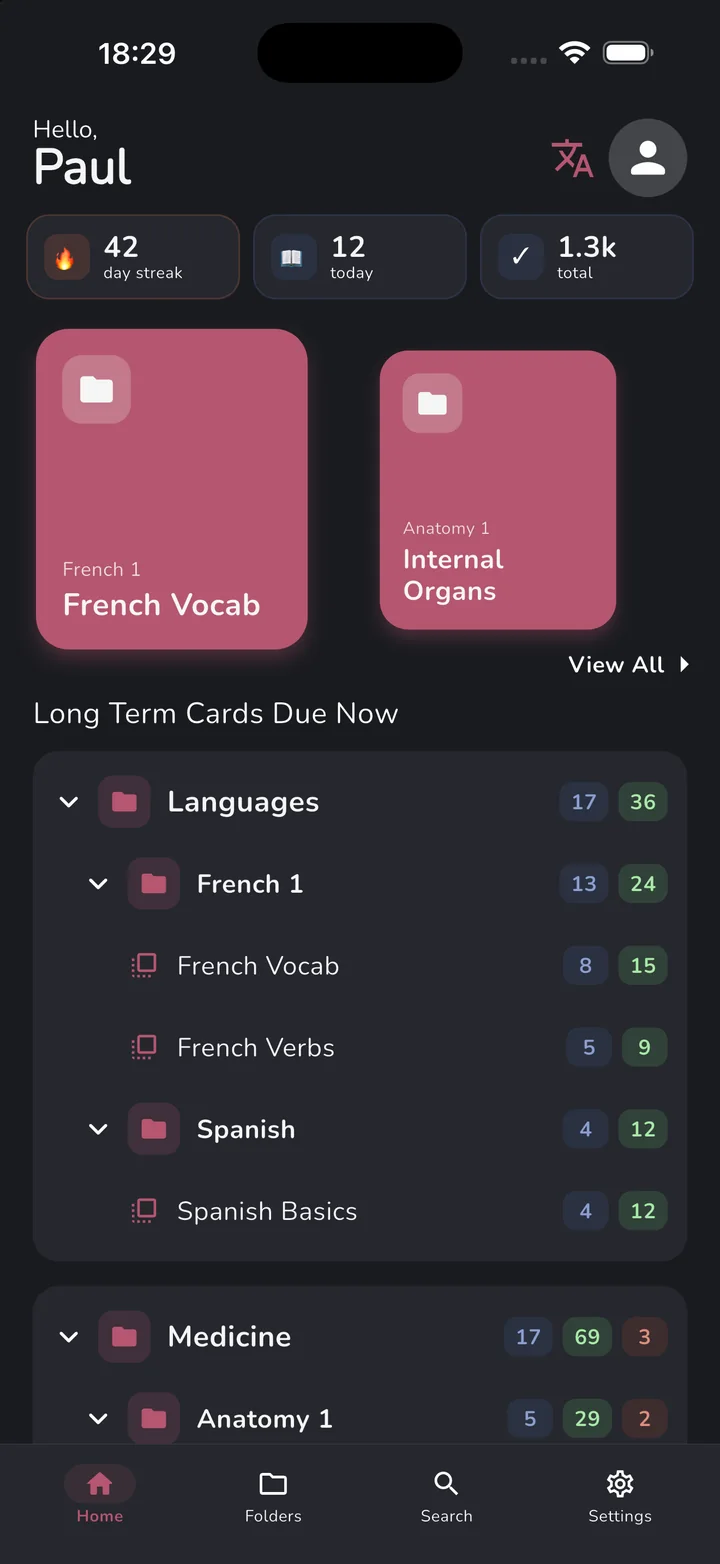
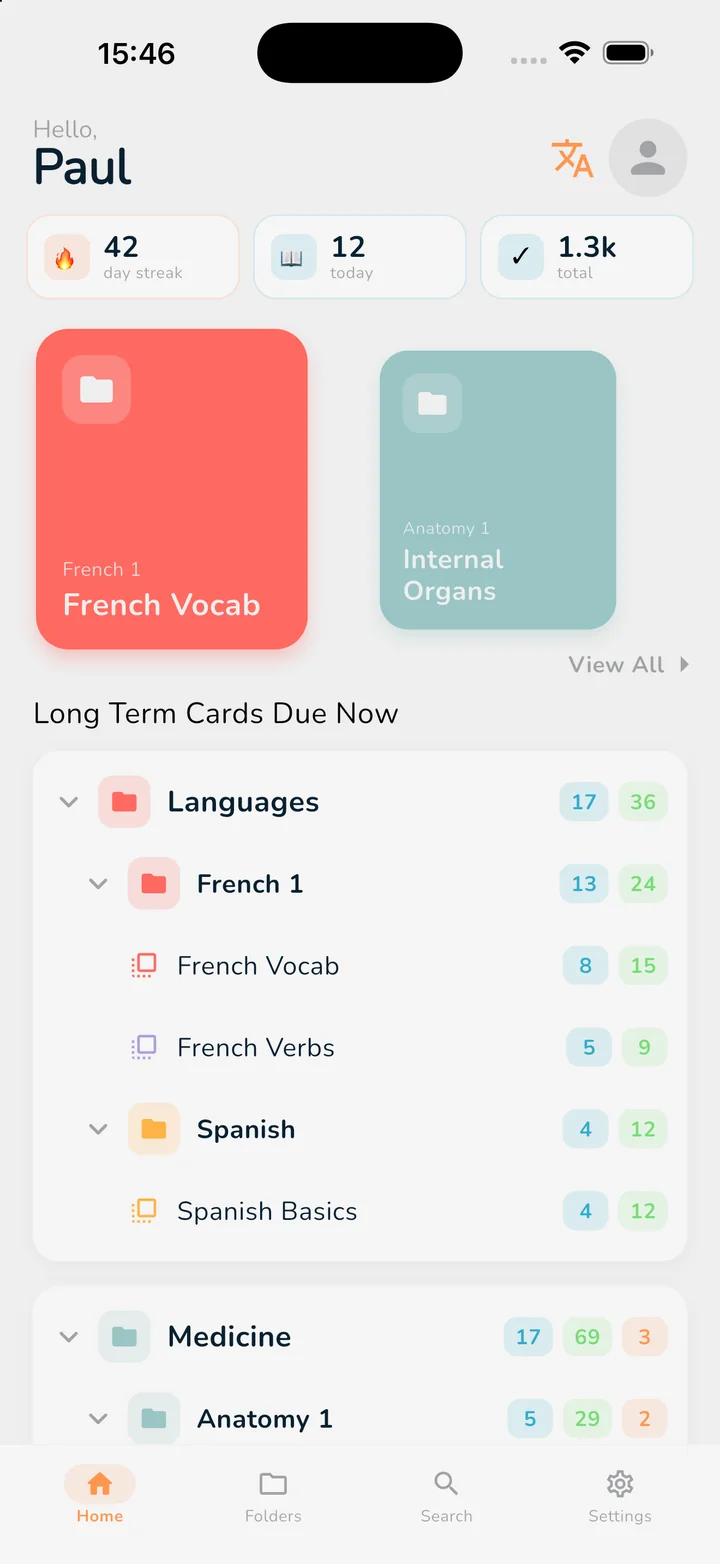
Folders inside folders, as deep as you like. Home shows every long-term deck as a tree, so you see what’s due at a glance, and you can study a whole folder at once, subfolders included.
Long Term Cards Due Now
Tap a folder to fold it
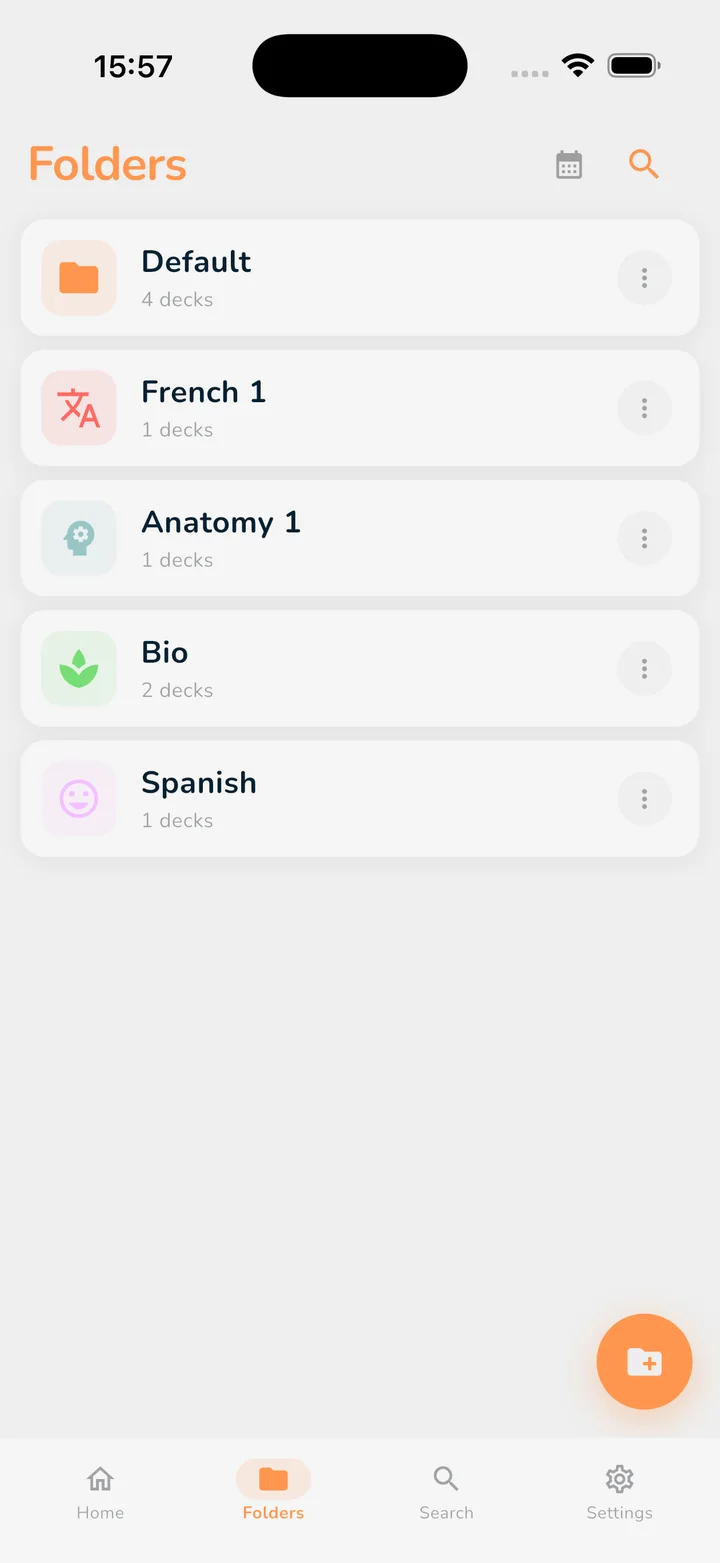
Folder icons
Learn
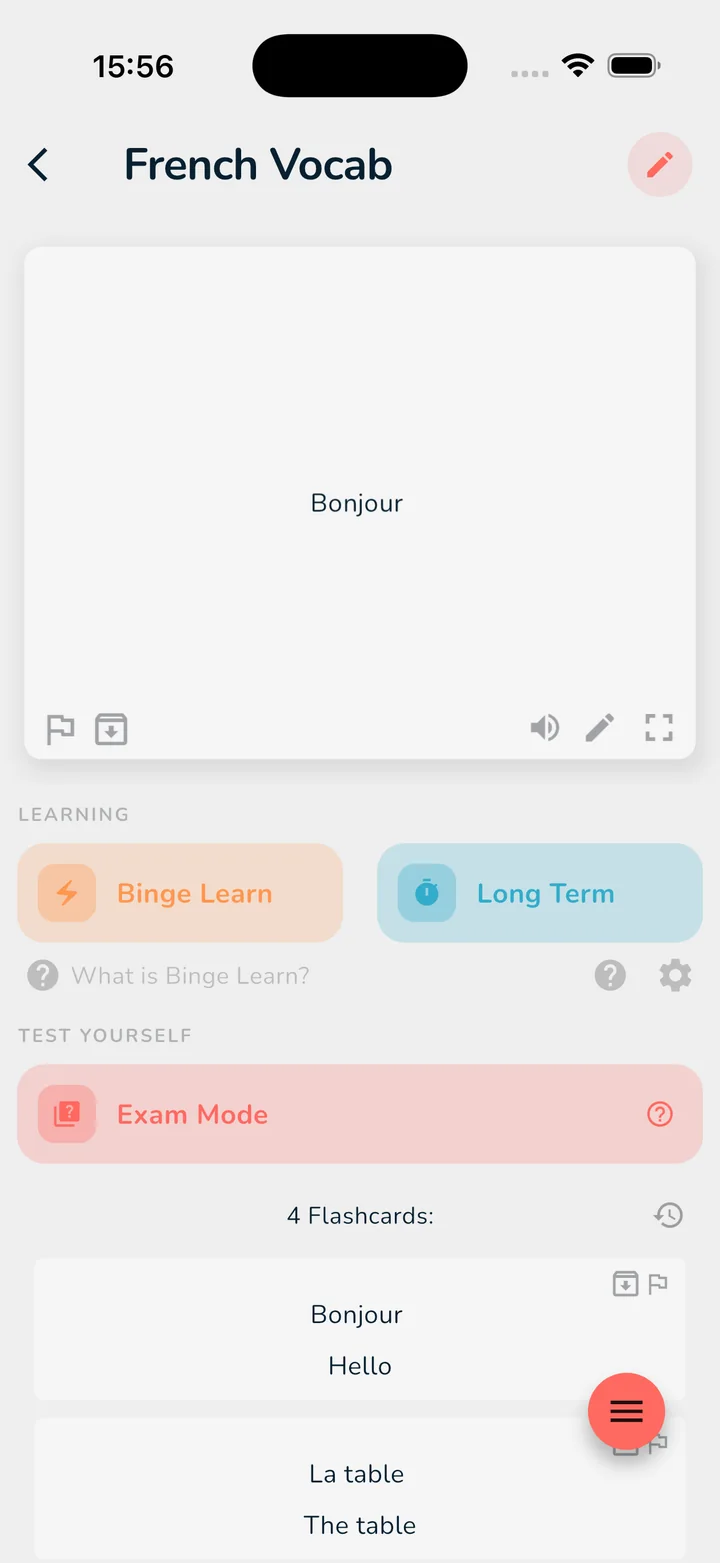
Cram for tomorrow, remember for years, or test yourself like it’s the real thing.
Exam tomorrow?
Go through a whole deck or folder fast. Flip, then swipe to grade: cards you miss come back more often. Undo anytime.
Remember it for good
FSRS, the scheduler Anki uses, brings each card back right before you’d forget it. Each review on time pushes the next one further out.
Test yourself
Pick how many cards, prioritize flagged ones, and get your score at the end. Review your answers to see what to relearn.
Tap the card to flip it, then swipe it left or right.
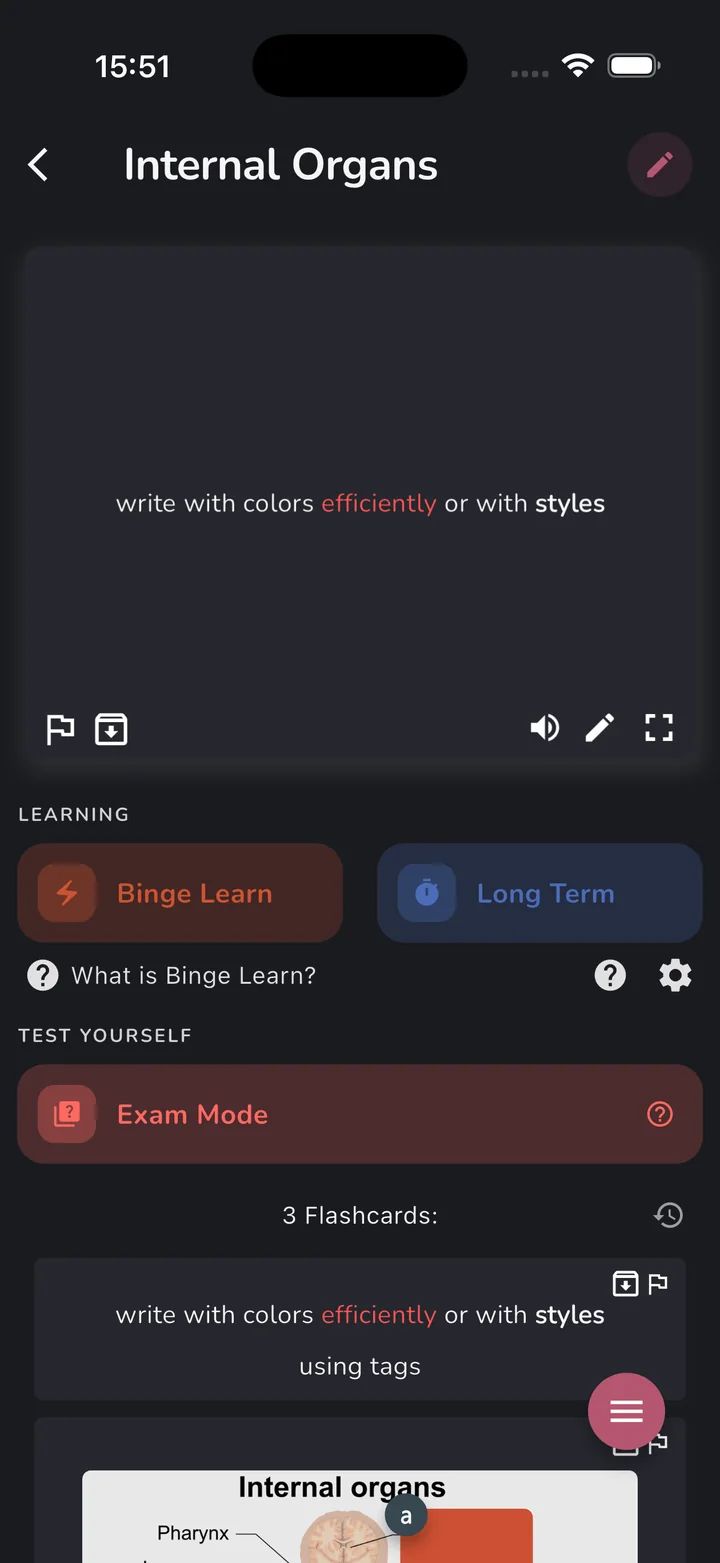
Themes
Studying late? Switch to dark mode, pick one of six accent colors and match your folders and decks to it.
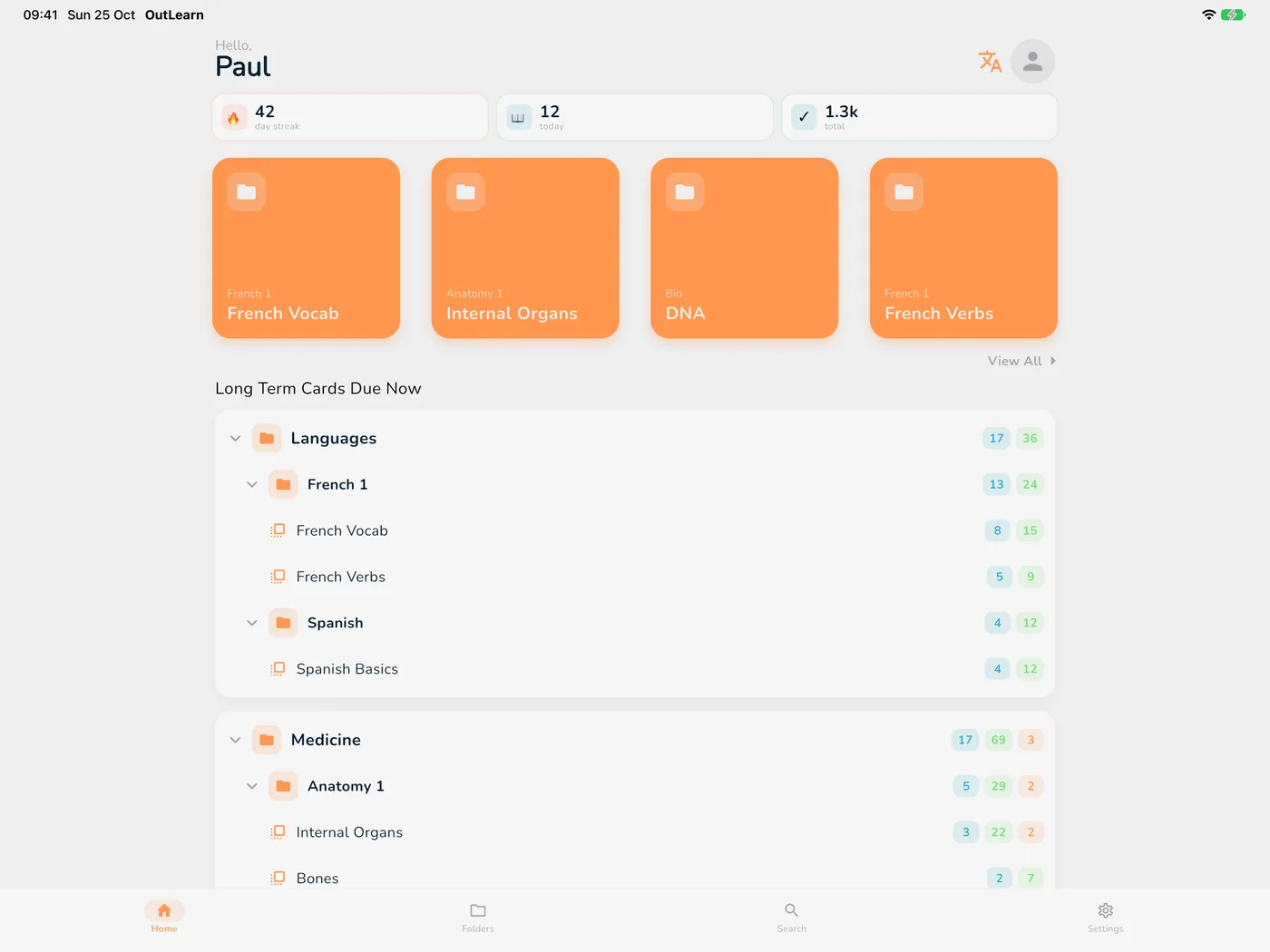
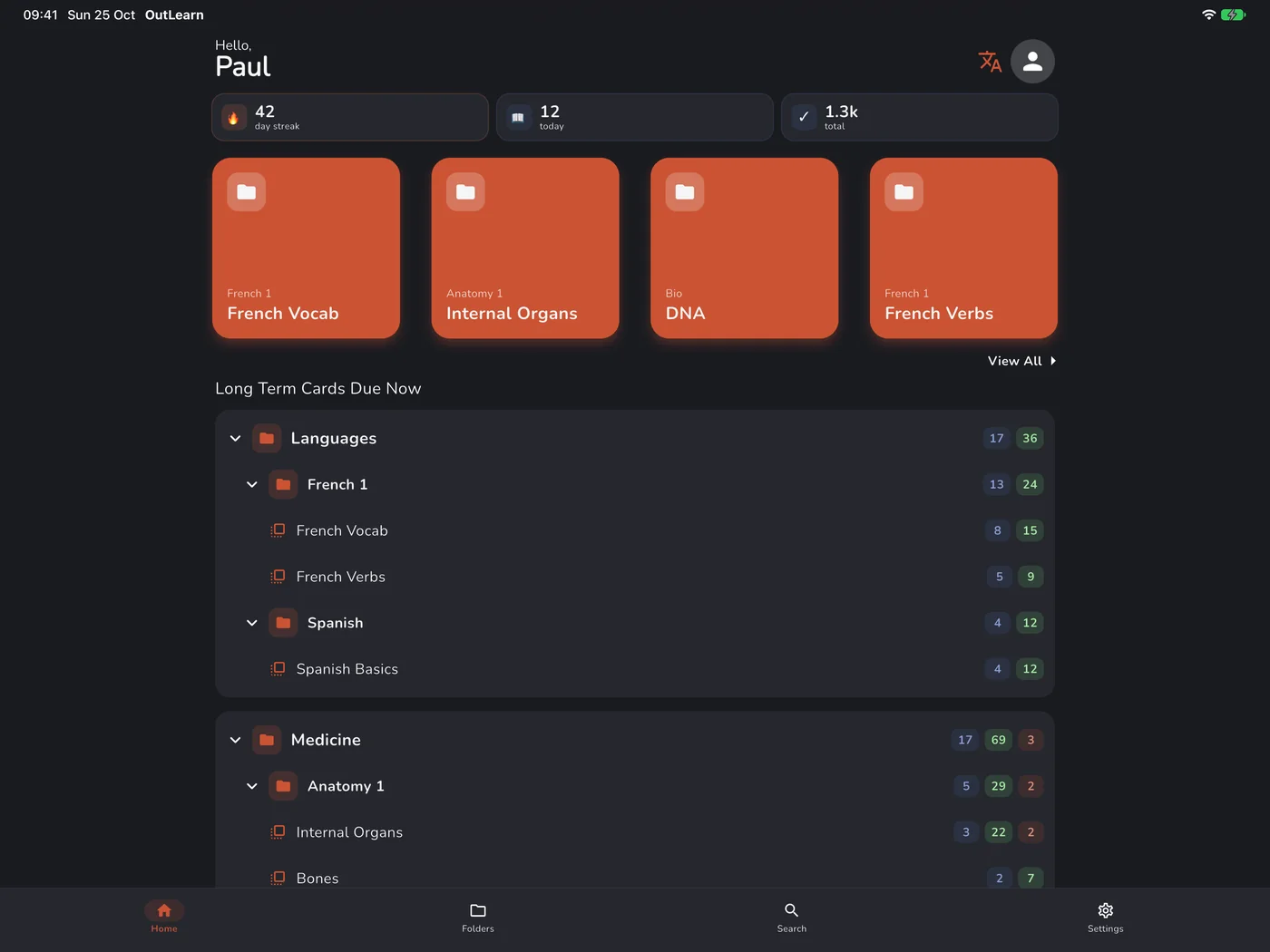
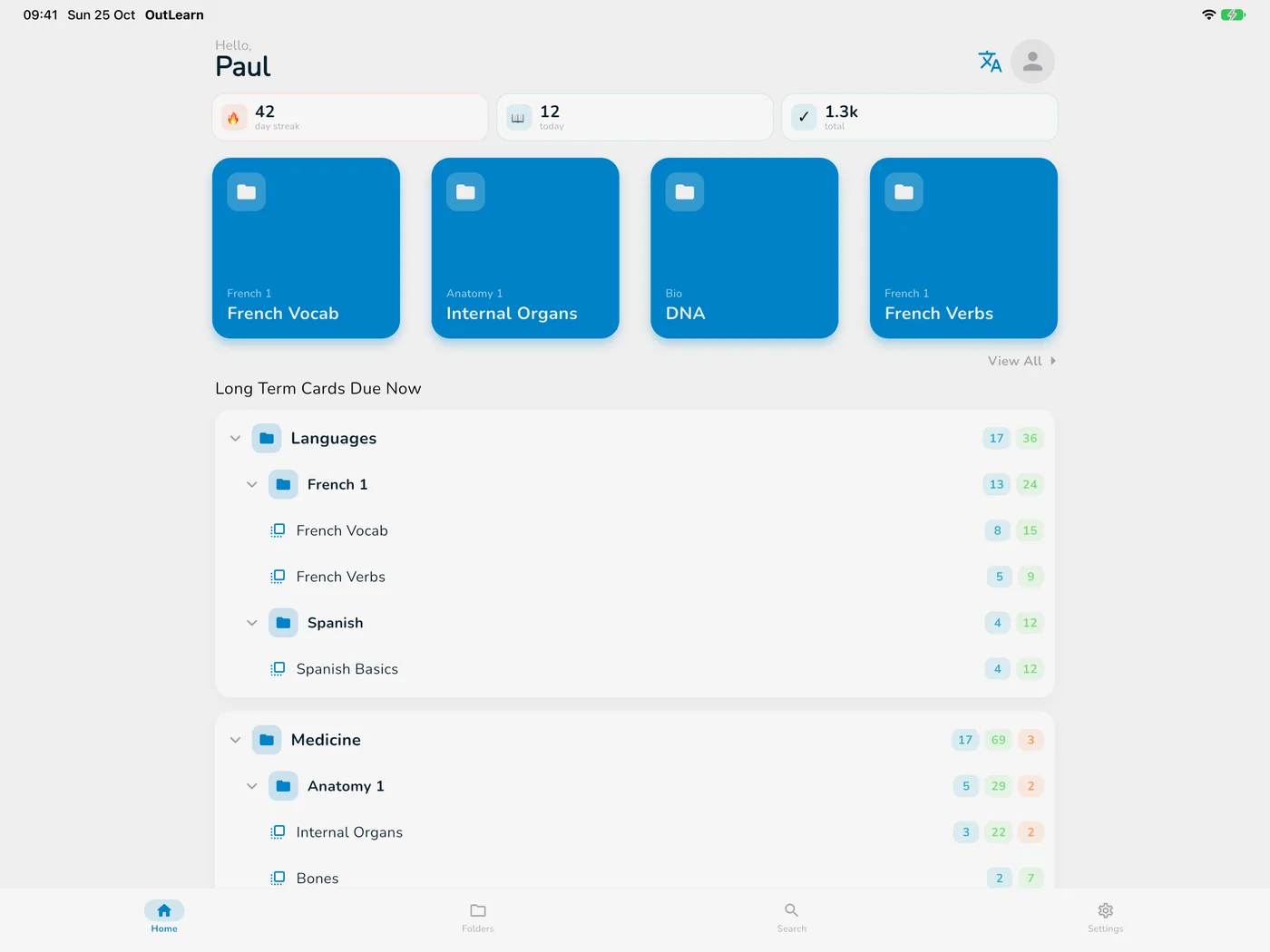
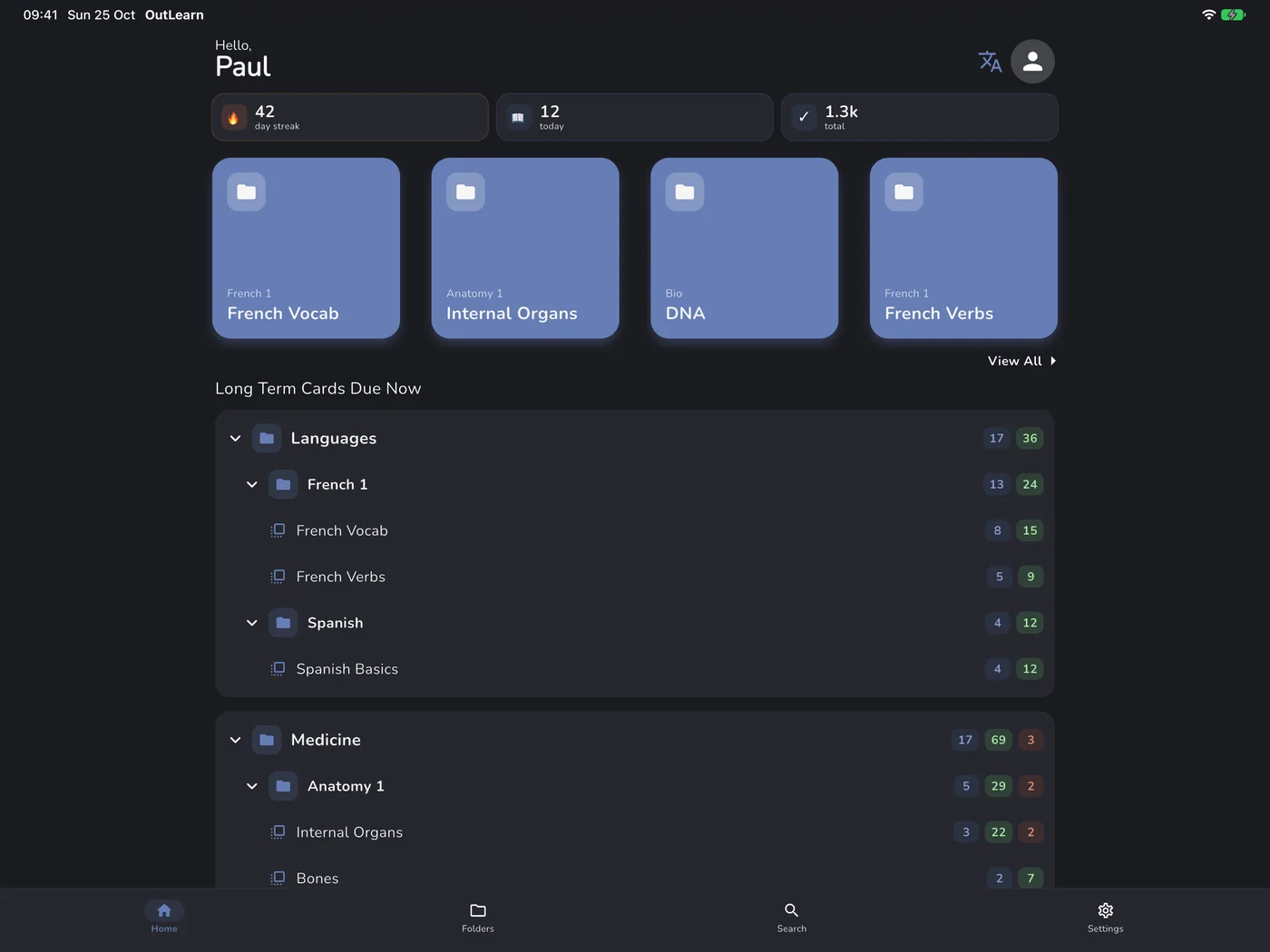
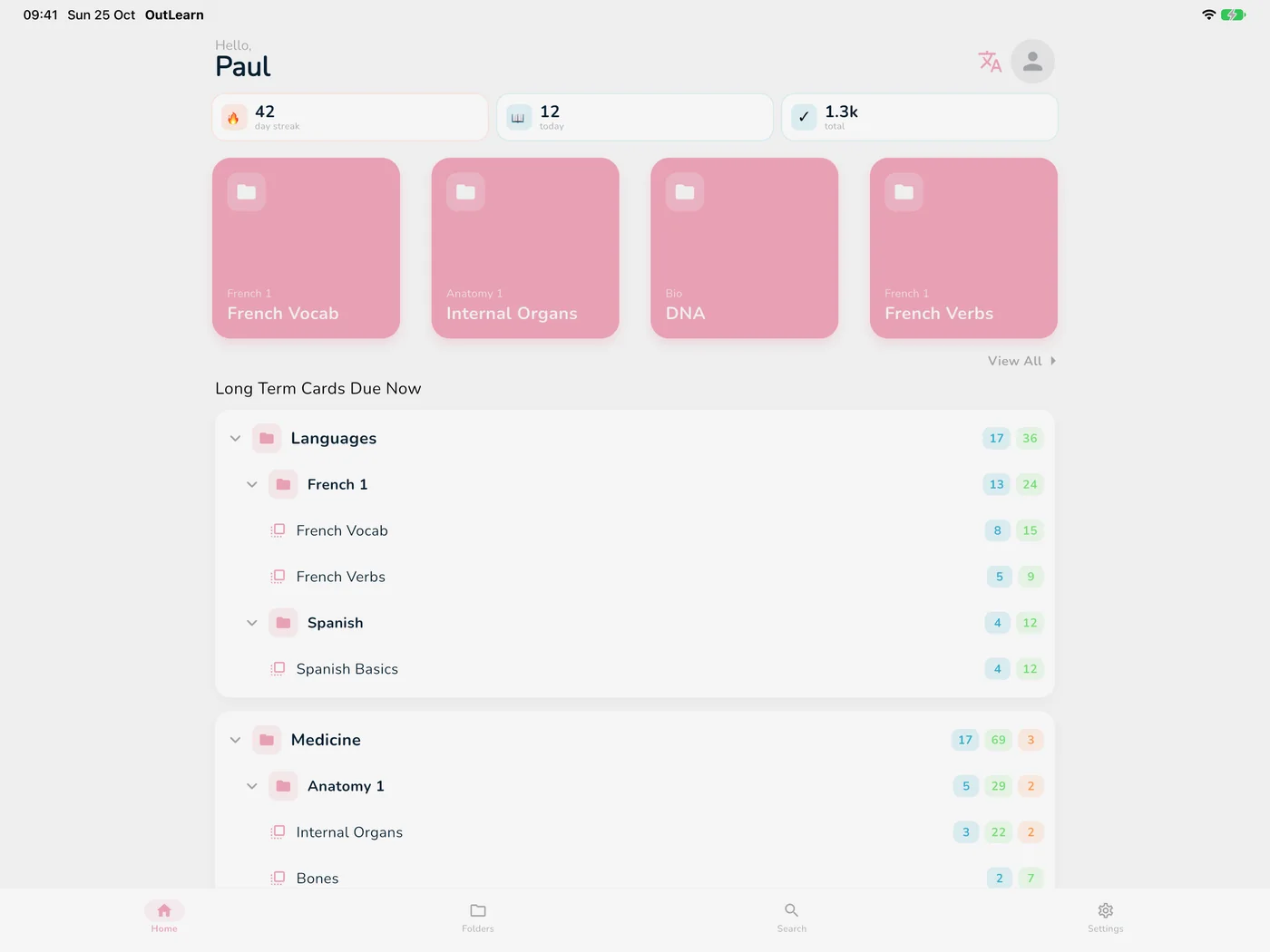
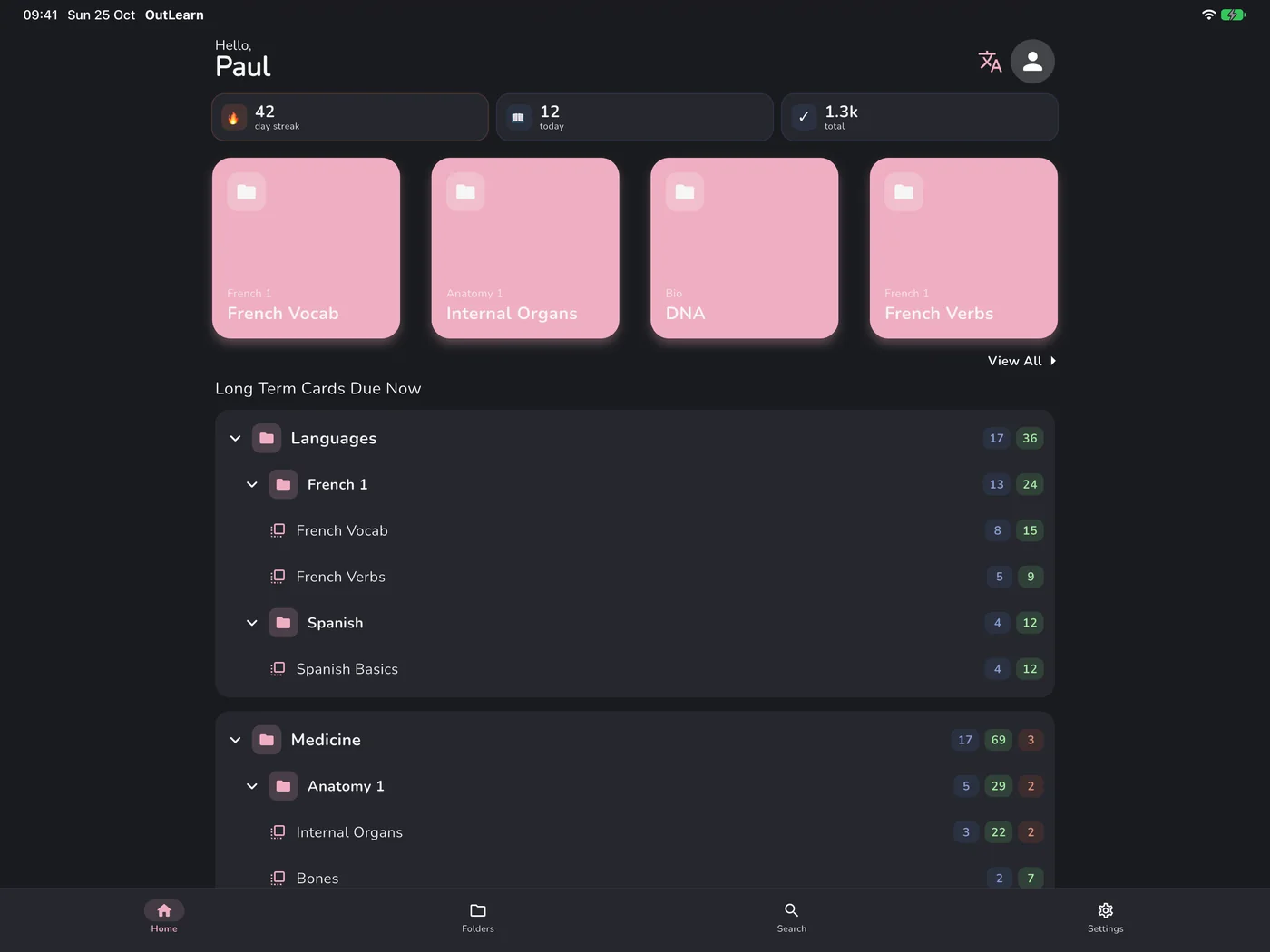
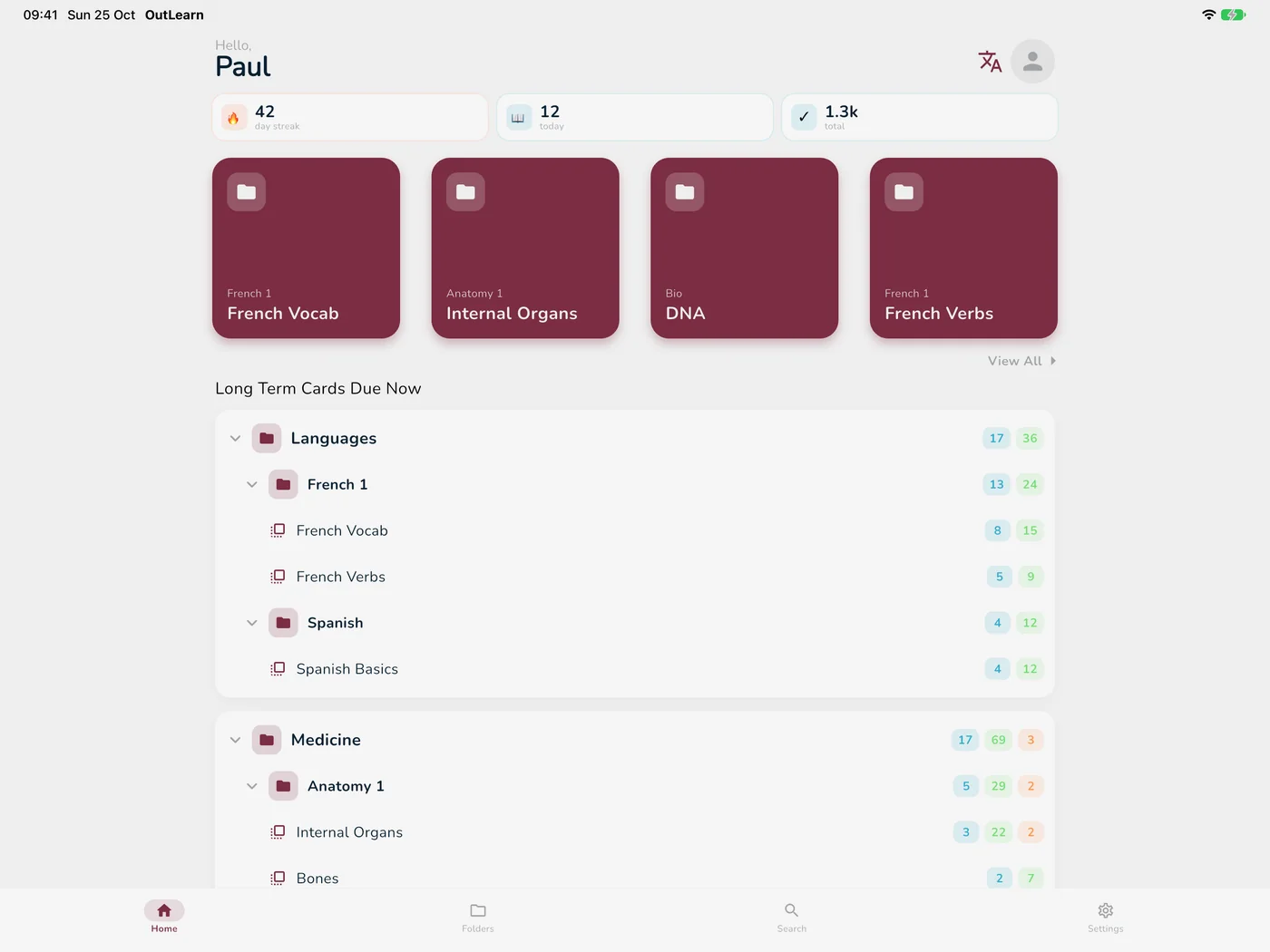
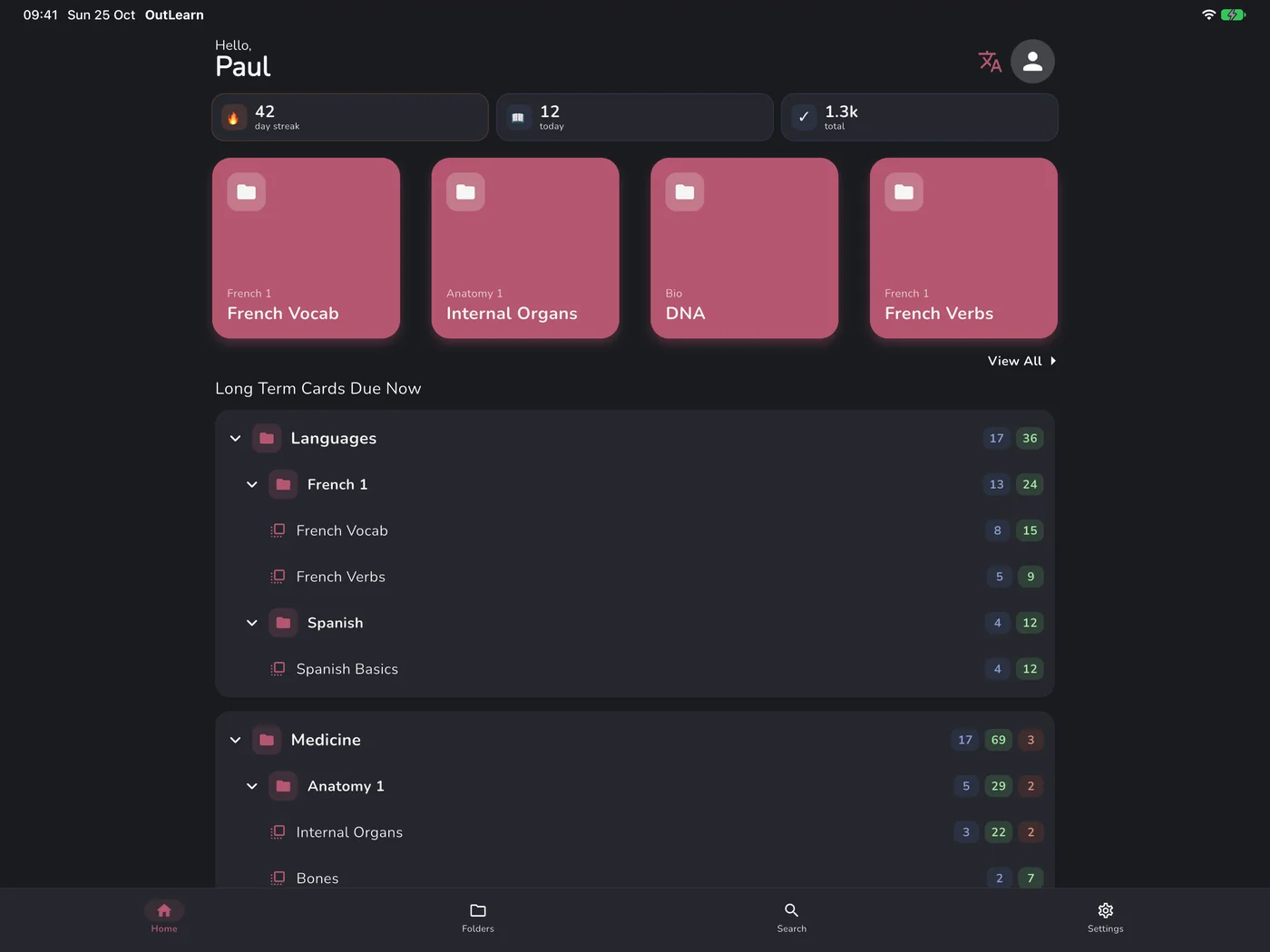
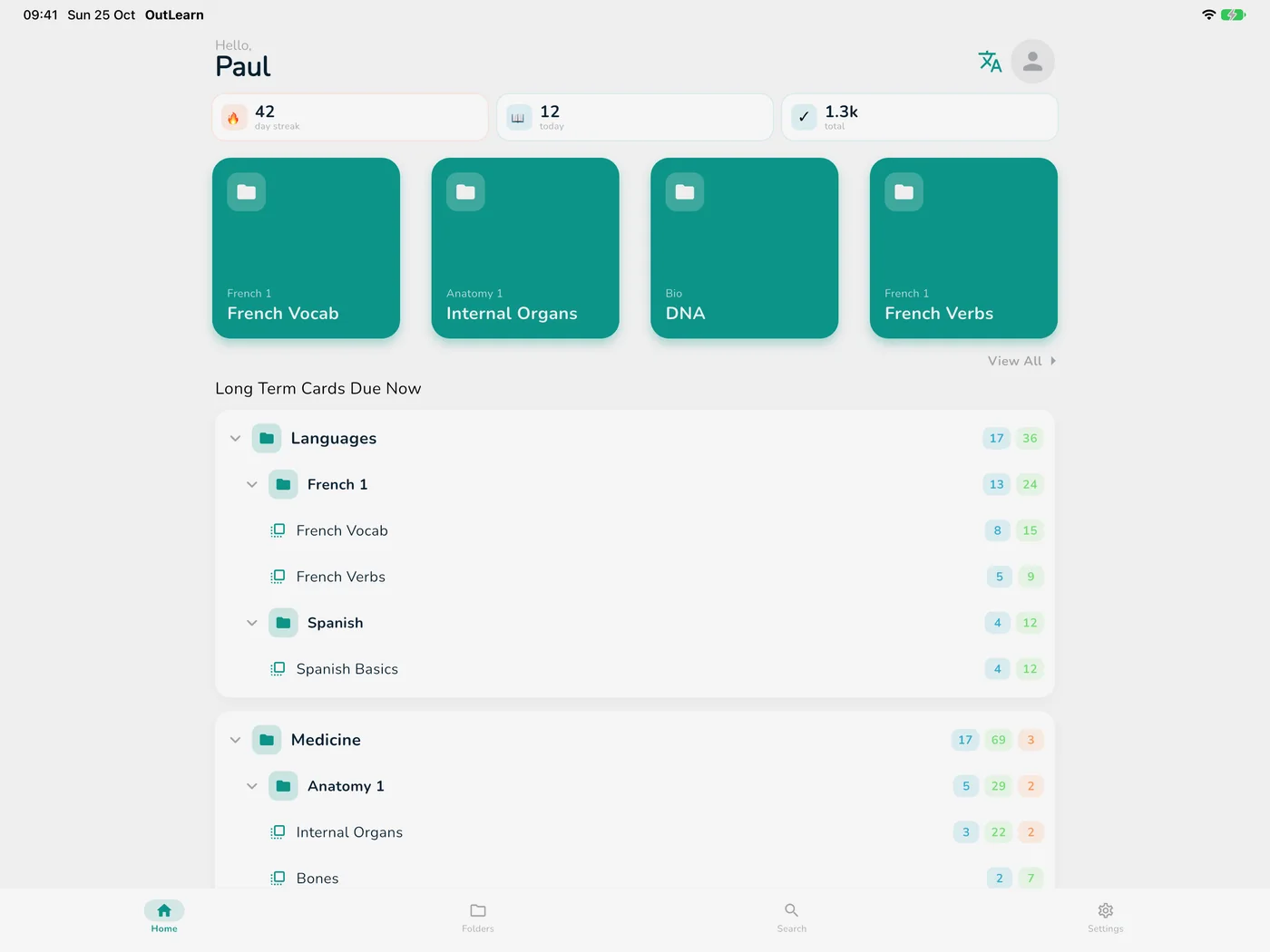
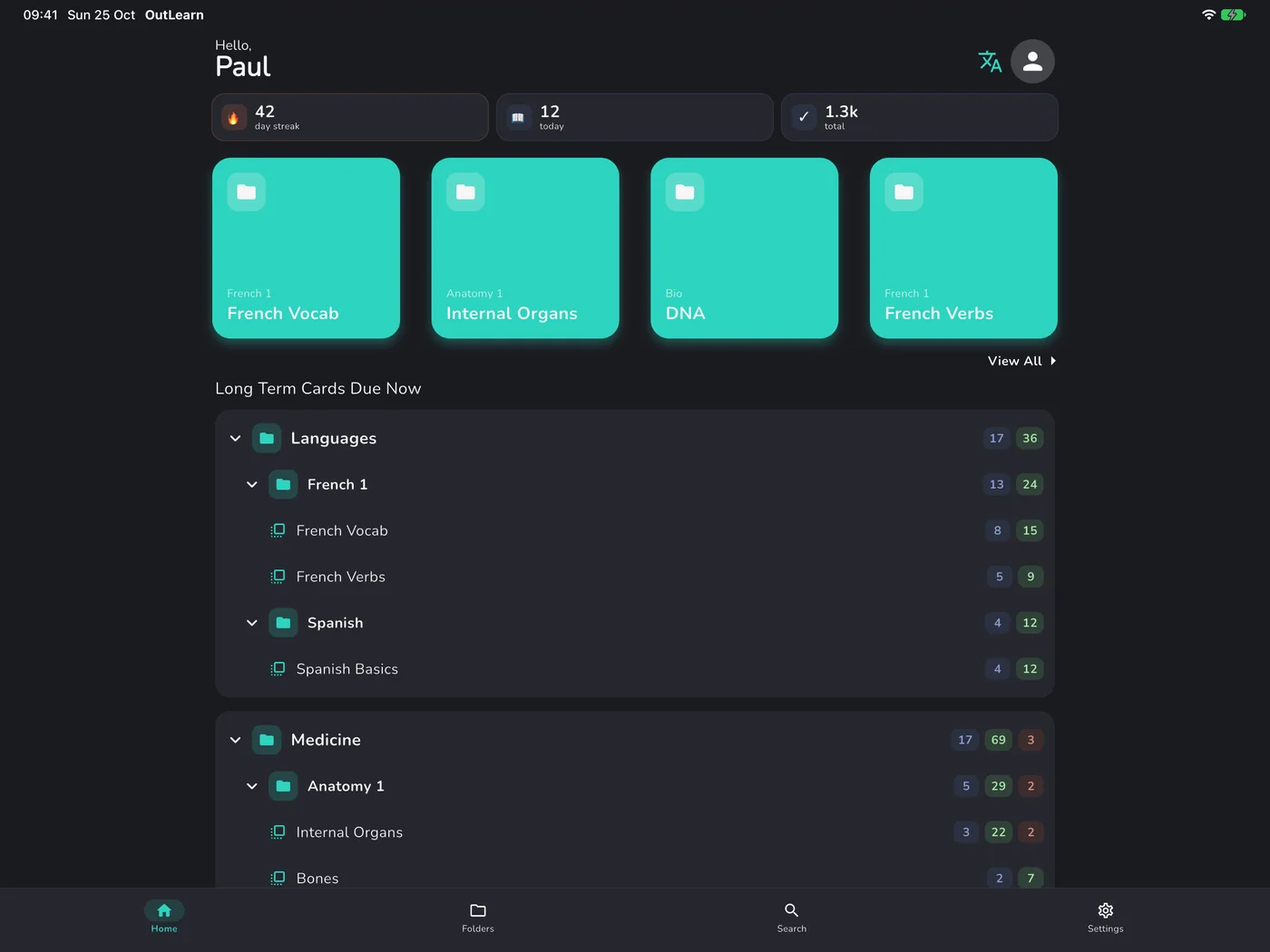
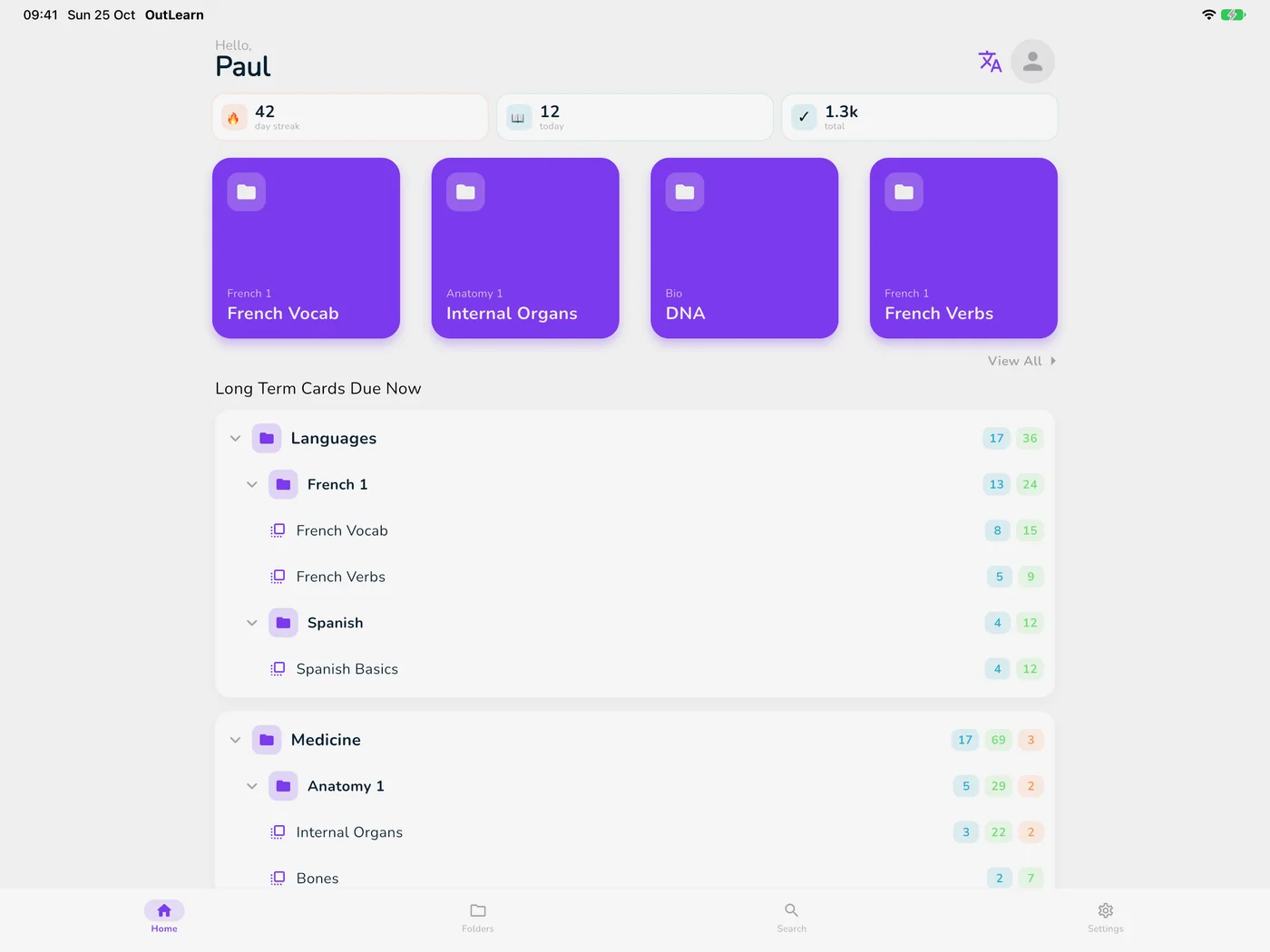
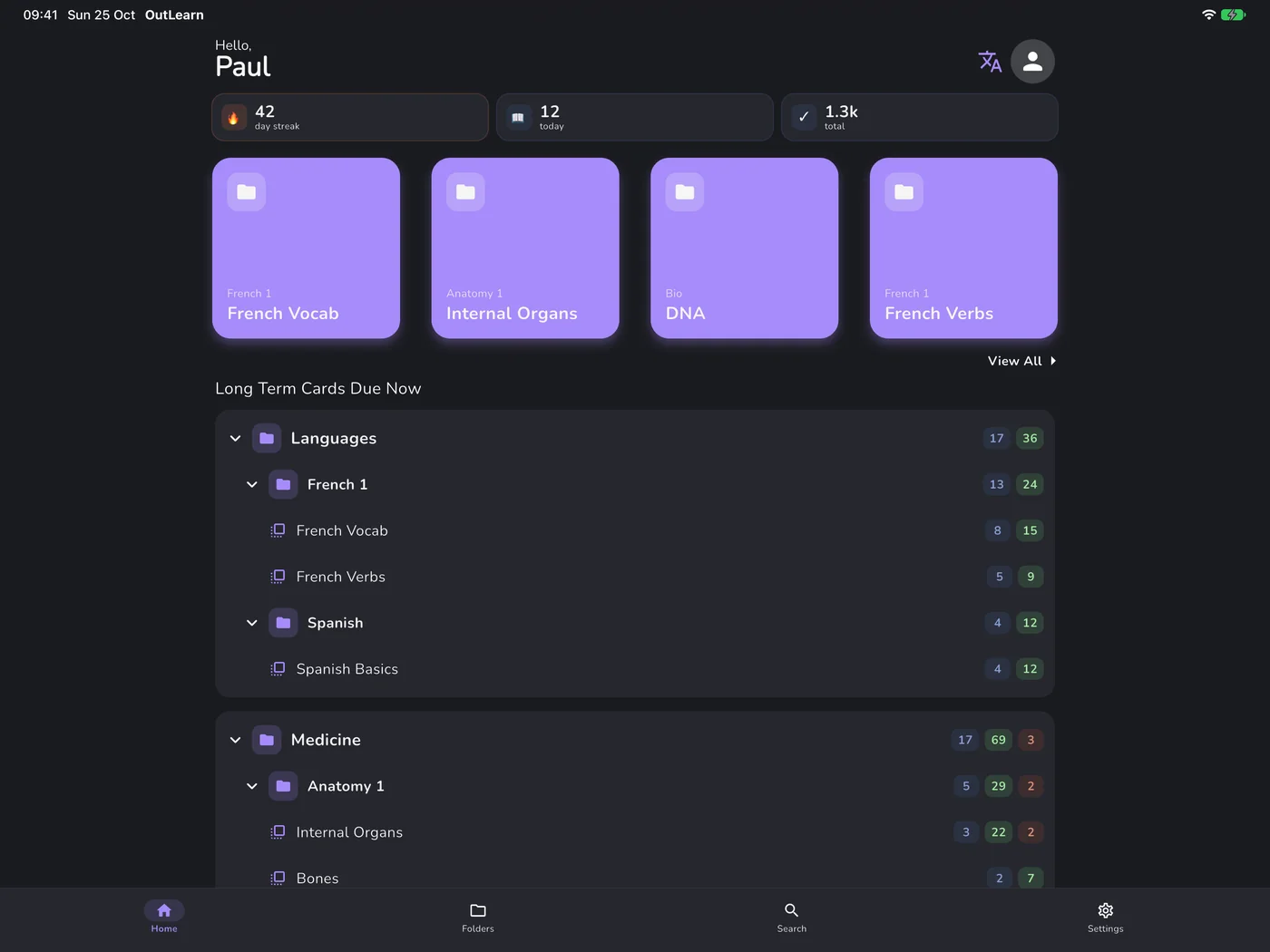
Accent colors
Classic
Everywhere
Your decks and progress sync between iPhone, iPad, Mac, Android and the web, and still work offline.
New
Folded, the cover screen keeps your streak and decks in reach.
Unfold it and OutLearn uses every inch of the big screen.
Controls sit in the side column, folded and unfolded.
And so much more
No signal on the way to uni? Keep studying. Your progress syncs as soon as you’re back online.
8 PDF layouts to print your cards.
Autoplay reads each card aloud, then flips it for you.
OutLearn keeps track of the cards you keep getting wrong. Start a session on just those, and see how ready each deck is.
Study long-term cards with a game controller or a remote.
Any one of several meanings counts. Case and extra spaces don’t matter.
Made and shared by OutLearn students. Open any deck and study it with spaced repetition, free.
Browse free decks →There’s a suggestions page built right into the app: share an idea, or vote for the ones you want next. I keep adding what you suggest, so if you feel something is missing, rest assured I’ll add it.
Free, with Pro for extras
Everything you need to study is free. Pro is a single payment, never a subscription, and it unlocks the extras.
Start in a minute
Everything in Free, plus:
€19.99 one payment, no subscription
Price shown for your region. The final price depends on your country and where you buy, and you always see it before you pay. Pro belongs to your account and works on all your devices.

For students, by students
Like a lot of you, I used a famous learning app for years, until it started removing features (like long-term learning) and raising its prices.
During the pandemic, I used the time to build OutLearn. I listened to the students and teachers around me to make the best flashcard app I could.
I released the first version in 2021, and I’ve kept adding what students ask for ever since.
I hope you’ll love OutLearn! Email me with any question or idea.

Free to start on every platform. No ads. No subscription, ever.