Find a deck
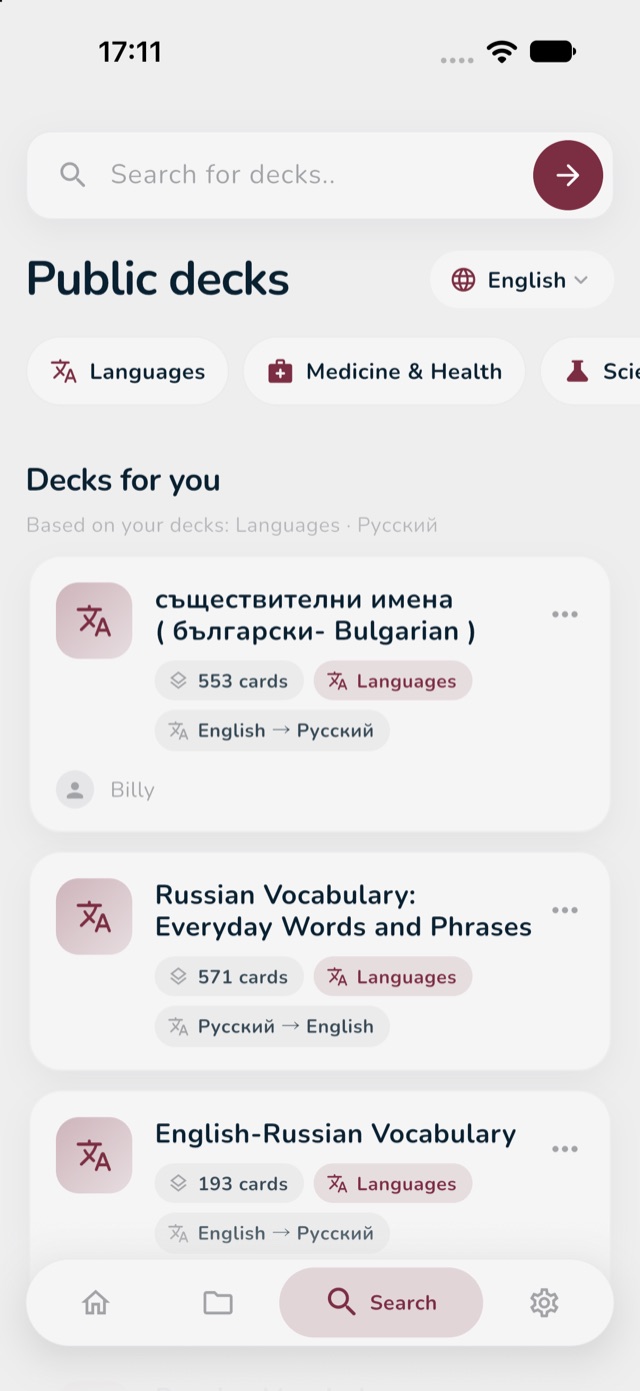
- Tap the magnifying glass icon at the bottom of the screen. This is the Search tab.
- At the top, type a word in the search box (for example "Spanish verbs") and tap the arrow button.
- Or look through the list: choose your language at the top right (for example English), then tap a subject such as Languages or Medicine & Health.
- Under Decks for you you see decks chosen from what you already study.